
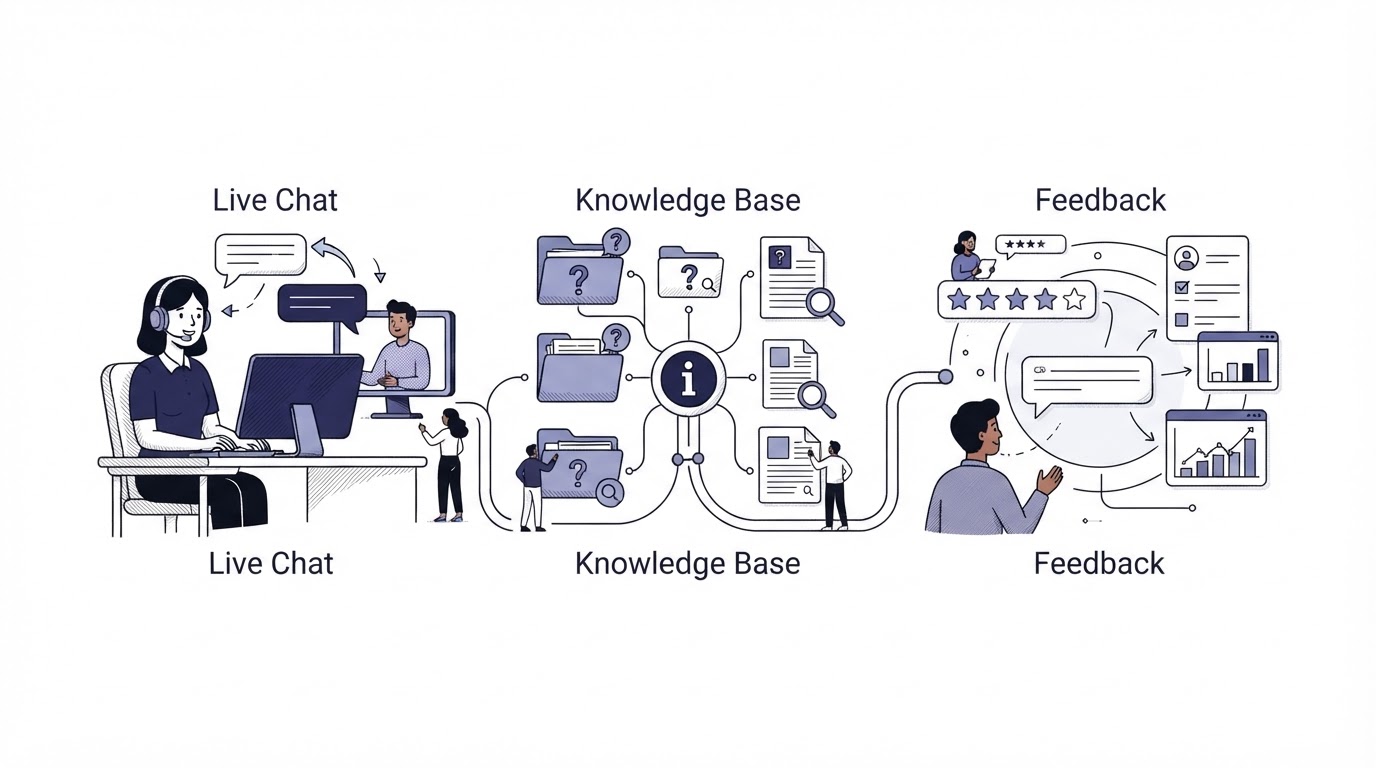
Support breaks down when customers have to hunt for help, agents lack context, and product feedback ends up in a separate system. Each gap creates repeat questions and slower decisions.
Cajobo is a customer support platform built to keep conversations, self-service content, and feedback closer together. A visitor can find an answer, start a chat when needed, and share a reaction without moving through several disconnected tools.
Quick answer: how to set up a customer support platform
Build the workflow in this order:
- Define the questions customers should solve through self-service and the questions that need a conversation.
- Publish a knowledge base around real tasks, errors, and setup steps.
- Add live chat to the pages where customers need help making progress.
- Collect feedback at the moment users finish, struggle, or request a feature.
- Review chat themes and feedback regularly, then turn recurring issues into better help content and product decisions.
The key is a connected support loop. Your help center reduces routine demand, live chat handles the remaining cases, and feedback shows where the experience still needs work.
What a customer support platform should bring together
A useful support setup covers three customer needs: finding an answer, getting personal help, and making their voice heard. Teams often buy separate products for each job. That can work, though it creates more tabs, more handoffs, and more places where customer context can disappear.
Cajobo brings these areas into one product:
| Customer need | Cajobo component | Best place to use it | Operational result |
|---|---|---|---|
| A fast answer to a common question | Knowledge base | Setup, billing, integrations, troubleshooting | Fewer repetitive conversations |
| Help with a specific situation | Live chat conversations | Pricing, onboarding, account, and product pages | A direct route to an agent or team member |
| A way to share an opinion or request | Feedback collection | Feature pages, release notes, and in-app workflows | Clearer evidence for support and product priorities |
This combination suits SaaS teams especially well. A visitor may start on a pricing page, need clarification about an integration, then become a customer who later requests a workflow improvement. The full path is part support and part product learning.
Start by deciding who owns each signal. Support should own response quality and knowledge-base gaps. Product should review repeated requests and friction reports. One person should maintain article accuracy after every important release.
Build a knowledge base that answers the next question
A knowledge base earns its place when it helps people complete a task. Broad articles such as “Getting Started” have a role, yet customers frequently arrive with a specific goal: invite a teammate, update an invoice, connect an integration, or resolve an error.
Organize content around those actions. Give each article a descriptive title, a short answer near the top, screenshots where the interface is important, and the next relevant link. Keep navigation shallow enough that a customer can reach a useful article in a few clicks.
Consider a project-management SaaS whose trial users abandon setup on app.example.com/import. Its support team receives versions of the same question: “Why did my CSV fail?” The team first publishes /help/importing-a-csv with supported columns, an example file, and error-specific fixes. They then link that article from the import screen and their chat replies.
The first version misses a common issue: customers are uploading files with duplicate email addresses. Every new chat about that issue should prompt an update to the article. This is how self-service content becomes more accurate over time.
Use clear headings within longer articles so customers can scan. For accessibility, ensure articles, buttons, forms, and chat controls support keyboard use and readable labels. The W3C Web Content Accessibility Guidelines provide a practical standard for reviewing those details.
Add live chat where a conversation helps customers move forward
Live chat works best at moments of uncertainty. Put it where a person has enough context to ask a useful question and where a fast answer can help them complete the next step.
For the project-management SaaS example, chat belongs on the import page, integration pages, and the account-billing area. A generic greeting on every page creates low-context messages. A targeted prompt on app.example.com/import can ask, “Need help matching your CSV columns?” That gives the customer a clear starting point and gives the team immediate context.
Set basic operating rules before turning the widget on:
- Define coverage hours and the expected response window.
- Create a simple handoff path for billing, technical, and account questions.
- Save strong answers as knowledge-base candidates.
- Use a short pre-chat prompt when it helps collect relevant details.
- Review unanswered conversations every week.
Identity also affects support quality. When a customer signs in, the team can connect the conversation to the right account and avoid repeatedly asking for basic details. Review the Cajobo identity documentation before implementing authenticated identification in your product.
Collect customer feedback at the right moment
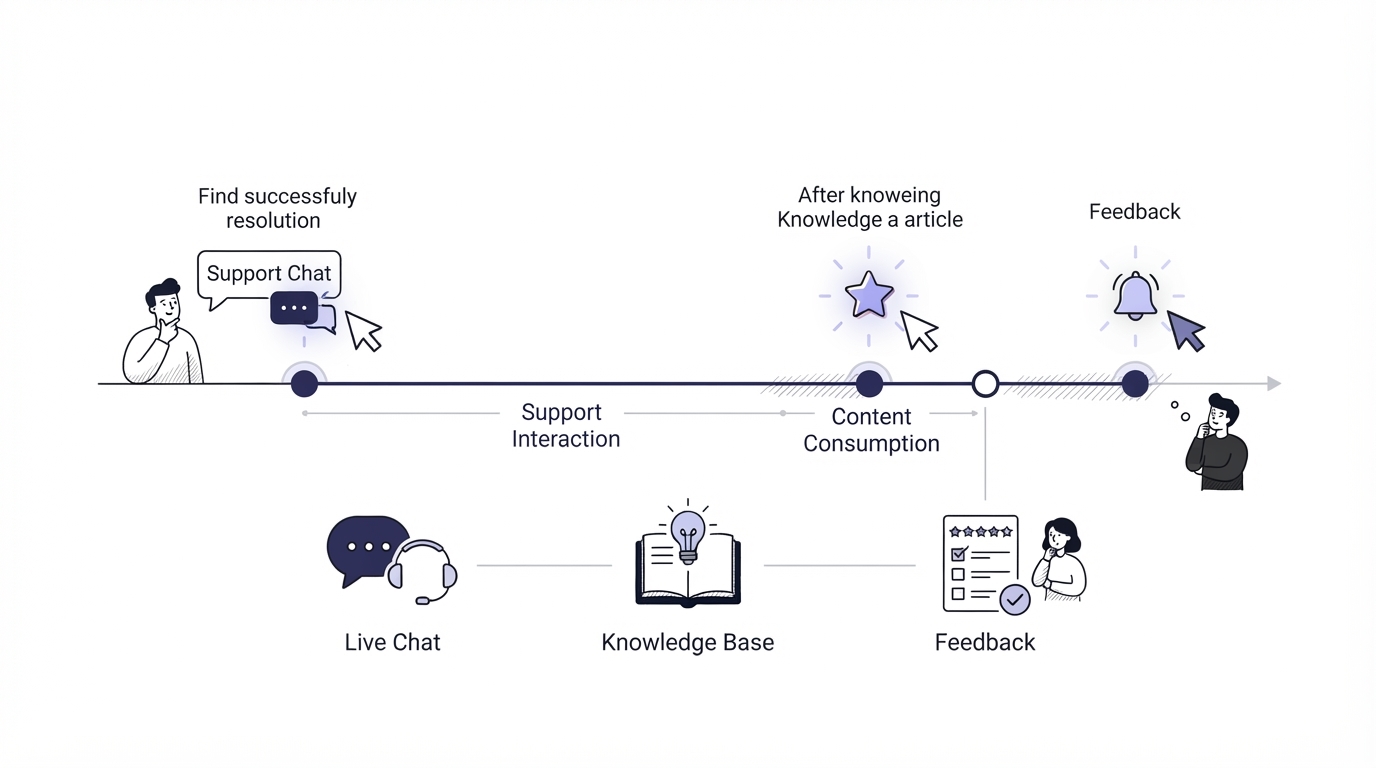
Feedback collection needs a clear trigger. A request shown at the wrong time feels like an interruption. Ask after a meaningful event: a customer completes an import, uses a newly released feature, closes a support conversation, or reaches an error state.
In the example SaaS, the team adds a small feedback prompt after a successful import. Users can quickly indicate whether the experience was easy and leave a comment. The team also places a feature-request prompt on the integrations page, where users naturally think about tools they want connected.
Feedback needs enough context to be useful. Capture the page or product area, the date, the account segment where appropriate, and the customer’s own words. A comment saying “This is confusing” becomes actionable when it is connected to the CSV import step and the duplicate-email error.
Treat feedback data with care. Collect only the information required for the stated purpose, make ownership clear, and set retention practices that fit your business. The European Commission’s GDPR guidance is a useful starting point for teams serving people in the EU.
How Cajobo connects support conversations, help content, and feedback
A connected workflow reduces the manual work of moving signals between separate support, help-center, and feedback products. With Cajobo, the customer journey can follow one practical sequence.
First, create help content for the questions that appear repeatedly. The knowledge base gives customers a self-service route before they need an agent.
Next, place live chat on high-intent pages and product areas. When the help article does not resolve the issue, the customer can ask for direct assistance without searching for a separate contact channel.
Then collect feedback where the experience is fresh. Use it to capture requests, reactions, and areas of friction from people who have just tried the workflow.
Finally, use the resulting patterns to improve the system. Repeated chat questions become article updates. Frequent feedback themes inform product discussions. A release can then include both the feature change and the help content that explains it.
For teams moving from Upvoty, Upvoty is now Cajobo explains the product transition. Cajobo’s approach builds on feedback collection while extending the workflow into customer conversations and self-service support.
How to choose the right support setup for your team
Choose based on the work your team needs to perform every week. A large enterprise with complex routing, extensive service-level requirements, and a dedicated support operations function may need a highly specialized service desk. A growing SaaS team often benefits from a simpler system that keeps support and product feedback close together.
Ask these questions during evaluation:
- Can customers find an answer before they open a conversation?
- Can the team see the context behind a support question?
- Can feedback be collected at relevant points in the customer journey?
- Can recurring support issues turn into maintained help content?
- Can product and support review the same customer signals without manual exports?
Tools such as Intercom, Crisp, and Featurebase cover overlapping parts of this workflow. Compare the products against your actual pages, support volume, team responsibilities, and customer journey. Run a small pilot around one high-friction workflow, such as onboarding or importing data, before rolling out site-wide.
Review the Cajobo pricing page when you are ready to assess plan fit. You can also return to the Cajobo homepage to see the product’s core support and feedback workflow.
Common mistakes when setting up a customer support platform
The most expensive problems usually show up after launch, when every channel is active but nobody has a review rhythm.
One common mistake is publishing generic help articles and leaving them unchanged. Tie updates to real conversations and product releases. Another is adding chat everywhere with no routing, coverage, or ownership. Customers need an accurate expectation for when someone will respond.
A third mistake is treating feedback as a vote counter. Comments need context, and high-volume requests still need product review. Look for the underlying job customers are trying to complete. Ten requests for slightly different exports may point to one reporting problem.
The project-management SaaS in the example also learned to avoid an overly broad feedback prompt on every page. It produced comments with too little detail. Moving the prompt to the completed-import screen created feedback tied to a specific workflow, which gave the team a clearer improvement queue.
FAQ
What is a customer support platform?
A customer support platform gives a business a structured way to help customers through channels such as live chat and self-service resources. Cajobo also brings customer feedback into that workflow, so support conversations and product signals can inform each other.
Does a small SaaS business need live chat and a knowledge base?
A small SaaS business can start with a focused version of both. Publish answers for the top recurring questions and add chat to the few pages where prospective or active customers get stuck. Expand coverage as support patterns become clear.
Where should I place a website feedback widget?
Place a feedback widget after meaningful actions and on pages where users evaluate a feature or encounter friction. Good examples include a completed setup flow, a new feature page, an integration screen, or an error state.
How often should we update our help center?
Review help content after product releases and set a recurring monthly review for high-traffic or high-contact topics. Update an article as soon as a support pattern reveals an incomplete instruction, outdated screen, or missing troubleshooting step.
Can feedback improve customer support?
Yes. Feedback exposes friction that may later become support demand, while support conversations explain the details behind a customer’s reaction. Reviewing both together helps teams identify the right article update, workflow fix, or product change.
A customer support platform works best when it becomes part of the product operating rhythm. Start with one high-friction journey, connect help content, chat, and feedback around it, then improve the workflow using the signals customers provide.