
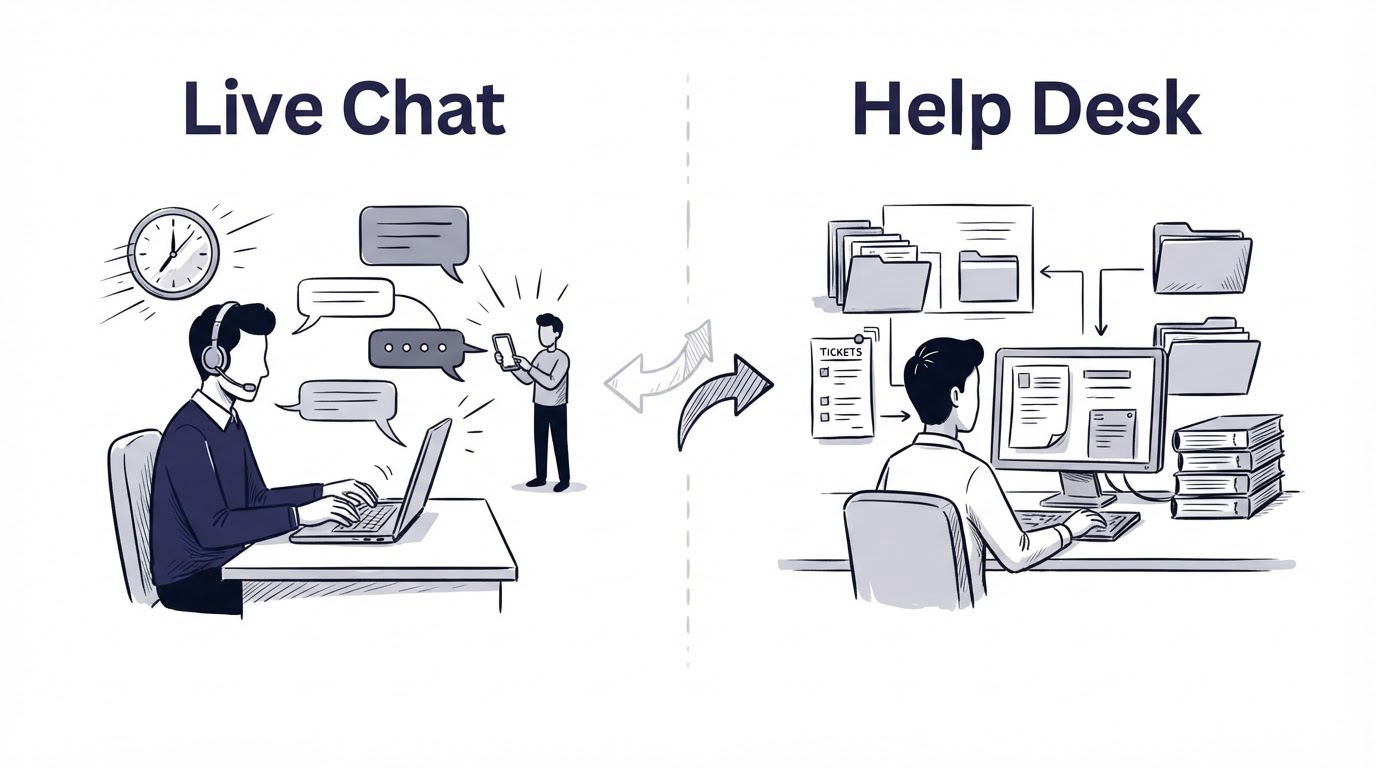
A visitor cannot finish setting up an integration and needs an answer before leaving your site. Meanwhile, three existing customers report the same billing issue, and your team needs ownership, history, and a reliable follow-up process. One support channel rarely handles both situations well.
For the live chat vs help desk decision, use live chat for immediate, conversational help and a help desk for issues that require tracking across time. Add a knowledge base for repeatable answers and a shared inbox when several people need to manage incoming messages together. Cajobo brings live chat, a knowledge base, and feedback collection into one customer-facing support workflow.
Quick answer: how to choose between live chat and a help desk
- List the questions customers need answered during a visit, setup, or purchase decision.
- Send urgent, short, conversational questions to live chat with clear availability expectations.
- Route bugs, account changes, billing cases, and multi-step investigations into a help desk ticket workflow.
- Publish articles for recurring questions, then link agents and customers to the same source of truth.
- Use a shared inbox when email, social, and other inbound channels require team assignment and shared context.
- Collect feedback after key interactions, then use patterns in that feedback to improve chat prompts and help articles.
Live chat vs help desk: the core difference
Live chat is a real-time conversation channel. A customer opens a chat on a page, asks a question, and expects a prompt reply. It works especially well for pricing questions, onboarding friction, product navigation, and pre-sale concerns.
A help desk organizes support requests as tickets or cases. Each request can carry a status, owner, priority, tags, attachments, internal notes, and a full resolution history. This structure helps teams manage work that takes hours or days.
Consider a hypothetical 12-person project-management SaaS. A visitor on /pricing asks whether SSO is available. A live chat reply can answer the question while the visitor is evaluating plans. Later, an administrator reports that 18 users lost access after a domain change. That issue needs investigation, account records, updates from engineering, and a documented resolution. Create a ticket.
The channel should match the work.
| Support model | Best for | Customer expectation | Team workflow | Example |
|---|---|---|---|---|
| Live chat | Immediate questions and guidance | Fast reply during the current visit | Short conversations, handoff when needed | “Where do I invite my team?” |
| Help desk | Issues requiring follow-up | Acknowledgment, updates, and resolution | Tickets, ownership, statuses, history | “Our SSO domain changed and users cannot sign in.” |
| Knowledge base | Repeatable questions | Self-service at any hour | Create, review, and maintain articles | “How do I export a project?” |
| Shared inbox | Team-managed inbound messages | A response from the right person | Assign, collaborate, and reply | “Can you send our invoice?” |
| Feedback tool | Sentiment and product signals | A quick way to share an opinion | Review trends and connect feedback to improvements | “This setup step was confusing.” |
Choose live chat when speed affects the outcome
Use live chat when a quick answer helps someone move forward during their current session. Common examples include a trial user stuck in setup, a buyer comparing plans, or a customer trying to locate a feature.
Set operating rules before adding a chat widget. Publish support hours, assign a responsible person for each shift, and write handoff rules for questions that become investigations. A visible chat launcher paired with long silent periods creates frustration.
For the project-management SaaS, the team adds chat to /pricing, /signup, and the first-run onboarding screen. A teammate notices that most onboarding chats ask where to create a client workspace. The answer belongs in both a saved chat response and a help article.
Read Live Chat Software for SaaS Teams for a practical view of placement, availability, and conversation handling.
Choose a help desk when the work needs a record
A help desk earns its place when requests need ownership and an audit trail. Use it for defects, refunds, access problems, compliance requests, technical troubleshooting, and cases involving multiple teams.
The project-management SaaS initially handles the domain-change report in chat. Three days later, the customer asks for an update, but the original agent is off duty and the engineering notes sit in a separate conversation. That failure comes from using a transient channel for long-running work.
Move the issue into the help desk as soon as it needs investigation or a promised follow-up. Include the account ID, affected domain, screenshots, reproduction steps, severity, and the next update time. This gives the customer a clear thread and gives the team an accountable queue.
A help desk also creates useful operational data. Review ticket categories monthly. A large cluster around one product task points to a documentation, UX, or product issue worth fixing.
Where knowledge bases fit in live chat and help desk support
A knowledge base answers stable, repeatable questions before a conversation or ticket begins. It reduces avoidable contacts and gives agents a dependable article to share during a live interaction.
Create articles from real support language. In the example, “How to create a client workspace” should use the wording customers type into chat, show the required permission level, and include the exact navigation path. A vague article called “Workspace basics” forces people back into support.
Give every high-volume question one maintained home. Link to it from chat replies, ticket macros, relevant product screens, and onboarding emails. Review articles after product releases and after clusters of feedback.
The Cajobo Knowledge Base supports this self-service layer, while Knowledge Base Software for SaaS: What to Include and How to Structure It explains how to plan useful article groups.
Accessibility also affects whether self-service works. Follow the W3C Web Content Accessibility Guidelines when designing article structure, links, contrast, and keyboard interactions so more customers can use the help center successfully.
When a shared inbox is the better support model
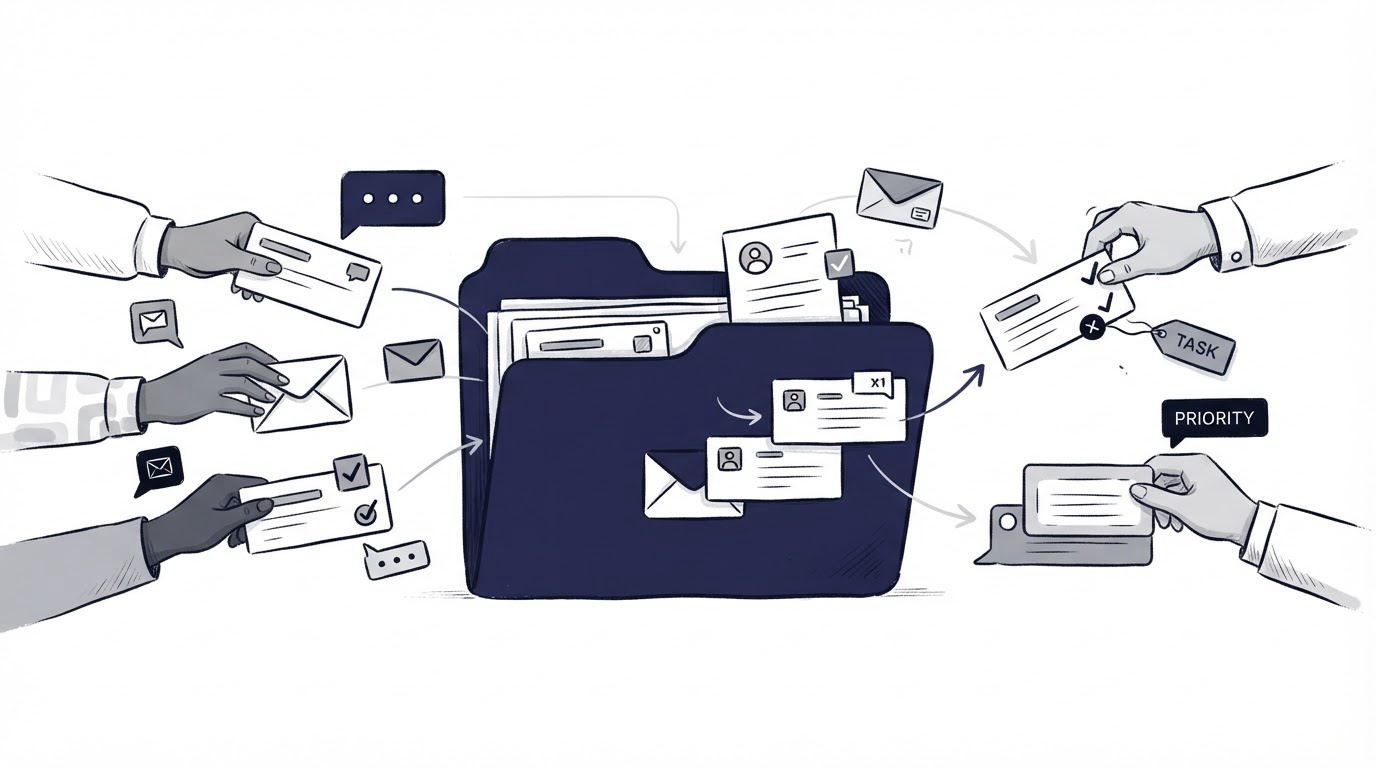
A shared inbox centralizes messages from channels such as support email, contact forms, and social accounts. It gives a team shared visibility and assignment controls without forcing every conversation into a formal ticket process.
Use a shared inbox when the incoming message itself is the main unit of work. This often suits a small team receiving sales inquiries, account questions, partner messages, and general support email in one place.
For the project-management SaaS, an email from a finance contact asking for an invoice copy belongs in the shared inbox. The team assigns it to finance, replies from the shared address, and preserves context for future requests. A product defect reported by the same customer should move into a tracked support case.
Set clear ownership rules. Every inbound message needs an assignee, a response target, and a defined escalation path. Otherwise, shared access turns into shared uncertainty.
How Cajobo fits between chat, knowledge base, and feedback
Cajobo suits teams that want customer conversations, self-service content, and lightweight feedback to inform each other. It is especially useful when the recurring support pattern looks like this: customers ask a question, the team identifies a repeated gap, then the site gets a better answer or a direct feedback prompt.
Start by adding Cajobo Live Chat where customers make decisions or get stuck. For the project-management SaaS, the team places chat on signup and onboarding pages and records the recurring workspace question.
Next, publish a concise workspace-creation article in the Cajobo Knowledge Base. Agents can point chat visitors to the article, and future visitors can solve the task independently.
Then place a small feedback prompt after the setup flow through Cajobo Feedback. Ask whether the workspace setup was clear. Review the responses alongside the chat themes. If feedback shows that users still struggle after reading the article, improve the product flow or rewrite the instructions with the missing step.
This loop gives a SaaS team a practical support system: immediate help for active users, documented guidance for repeat questions, and evidence about where the experience still creates friction. Learn more about this combined approach in Cajobo Customer Support Platform: Live Chat, Knowledge Base, and Feedback in One Tool.
Feedback data deserves the same care as support data. Keep collection purposeful, explain the reason for processing, and set retention practices that fit your obligations. The European Commission's GDPR overview provides a useful starting point for teams serving people in the EU.
Common mistakes when choosing live chat or a help desk
The most expensive mistakes come from unclear routing and neglected content.
- Treating chat as a permanent home for engineering investigations leaves customers without dependable updates.
- Adding a knowledge base with generic articles creates another dead end for customers.
- Promising instant chat responses when nobody owns the queue damages trust.
- Sending every simple question into tickets fills the queue with work that a clear article could prevent.
- Gathering feedback without a review cadence turns customer input into an unexamined archive.
Export the last 90 days of conversations and tickets first. Group them by intent, then count which topics are urgent, repeatable, or long-running. That analysis tells you where chat, tickets, articles, and feedback prompts belong.
FAQ
Do small businesses need both live chat and a help desk?
Many small businesses can begin with live chat, a concise knowledge base, and a simple process for recording cases that need follow-up. Add a full help desk workflow when support volume, handoffs, or resolution time makes ownership difficult to manage informally.
Can live chat replace a help desk?
Live chat can handle short questions and guided tasks. Cases involving investigations, multiple updates, attachments, or cross-team work need a tracked record with an owner and status.
Should every live chat become a ticket?
Convert chats when the customer needs a future update, when another team must act, or when the issue requires research. Keep quick answers in chat and use the conversation to identify articles that would prevent the same question next time.
How do feedback widgets improve customer support?
Feedback widgets capture sentiment at the point of experience. A one-tap prompt after onboarding, help-center reading, or a resolved chat can show whether the answer and product flow actually helped. See How to Measure Customer Satisfaction With One-Tap Feedback for ways to turn those signals into action.
What should a SaaS team set up first?
Start with the support journeys that affect activation and retention: signup, initial setup, account access, billing, and core feature use. Add live chat where immediate help changes the outcome, write articles for repeated questions, and create a ticket path for cases requiring follow-up. Review Cajobo's pricing when you are ready to choose a plan that fits that workflow.
Choose the smallest set of channels that gives customers a quick route to an answer and gives your team a reliable route to resolution. For many SaaS teams, that starts with Cajobo live chat, a maintained knowledge base, and feedback prompts tied to the moments customers actually experience.