
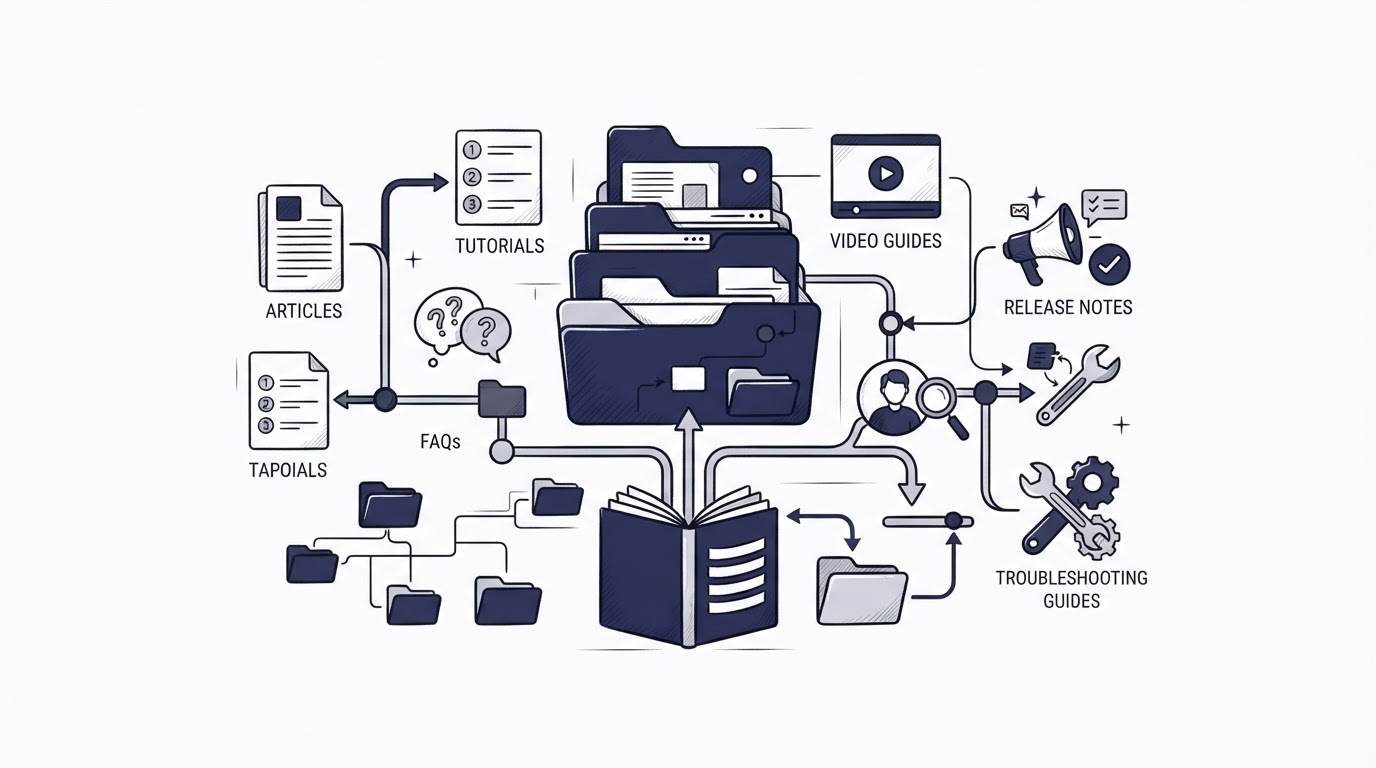
A SaaS support queue becomes expensive when customers must ask basic setup questions repeatedly. The usual cause is scattered documentation: onboarding lives in a welcome email, feature instructions sit in old release notes, and troubleshooting knowledge remains buried in support conversations.
A well-structured knowledge base for SaaS gives customers a clear route from first login to successful daily use. Cajobo brings that self-service content together with live chat and feedback, so recurring questions can become useful articles and article gaps can reach the support team.
Quick answer: how to structure a knowledge base for SaaS
Use this workflow to build a SaaS help center customers can actually use:
- Map the customer journey from signup through advanced use, then make those stages your top-level categories.
- Publish getting-started articles first, covering account creation, setup, first value, and invitations.
- Add task-based feature guides that answer one customer goal per article.
- Create troubleshooting and account-management sections for common errors, billing, permissions, security, and integrations.
- Review chat conversations and article feedback every month, then expand weak or missing answers.
Start a knowledge base for SaaS with the customer journey
Categories should reflect what a customer tries to accomplish in the product. Internal department names rarely help a new user who needs to invite a teammate or fix a failed import.
Consider a hypothetical B2B project-management SaaS. Its customers arrive at app.example.com after a trial signup. During the first week, their most common jobs are creating a workspace, importing work, inviting colleagues, configuring notifications, and assigning permissions. Those jobs form the first layer of the help center.
A practical top-level structure looks like this:
| Knowledge base section | Customer question it answers | Example article URL | Owner who keeps it current |
|---|---|---|---|
| Getting started | How do I become productive after signup? | /help/create-your-first-workspace | Product or onboarding team |
| Using the product | How do I complete a specific task? | /help/create-a-project-template | Product team |
| Integrations and imports | How do I connect or move data? | /help/import-csv-file | Product and engineering |
| Troubleshooting | Why did this fail and how do I fix it? | /help/import-errors | Support and engineering |
| Account, billing, and security | How do I manage access, plans, and data? | /help/manage-user-roles | Support, finance, and security |
Keep category labels concrete. “Workspace setup” gives a customer a clear destination. “Resources” leaves them guessing.
For the hypothetical SaaS, an early mistake would be placing CSV instructions under “Product features” while import errors sit under “Technical support.” A customer whose upload fails has to understand the company's internal taxonomy before reaching the answer. Put the setup guide and its failure states in the same path, with links between them.
Search still matters, especially for established users. Google recommends a logical site hierarchy and crawlable links so it can discover pages and understand their relationships. Apply those same principles to your help center navigation, as explained in Google's site structure guidance.
What to include in your SaaS knowledge base
Getting-started articles that deliver first value
Getting-started content earns its place by moving a new account toward a real result. Skip a broad company overview. Start with the first action that creates value.
For the project-management SaaS, the sequence could be: create a workspace, create a first project, add tasks, invite a teammate, and choose notification settings. Each article should open with the outcome, list prerequisites, show the steps, and explain what success looks like.
Use one topic per page. An article called “Set up your workspace” can link to related guides for permissions and project templates. A giant onboarding page forces customers to hunt through unrelated instructions.
Feature guides organized around tasks
Feature documentation should answer “How do I?” questions in the language customers use. “Create recurring work” is stronger than “Automation module overview.”
Give every guide a repeatable structure: the result, who can perform the task, prerequisites, numbered actions, expected outcome, and related articles. Include screenshots when the interface contains several similar controls. Update those screenshots when the product UI changes.
In the running example, a user who wants to standardize weekly planning needs a guide called “Create a project template.” The article should show where templates live, how to save an existing project as a template, and how to apply it. Link to permissions if template access depends on a role.
Troubleshooting articles for repeat support issues
Troubleshooting content should cover a recognizable symptom, likely causes, steps to resolve it, and the information support needs if the issue continues. Error text belongs in the headline or opening paragraph when customers see a specific message.
For example, “Fix CSV import errors” could explain required headers, date format requirements, maximum file size, duplicate records, and where to download an error report. It should then direct the customer to chat with their import file and error report ready. That reduces back-and-forth.
Export the last 90 days of support conversations before planning this section. Group conversations by customer-reported symptom, then write the articles that remove the largest amount of repeated work. The guide on live chat software for SaaS teams can help teams decide which issues belong in real-time support and which deserve a self-service answer.
Account, billing, and security information
Customers expect fast answers when access, payments, or data are involved. Keep this category easy to find from every help center page.
Cover password reset, SSO or login access where relevant, roles and permissions, workspace ownership, invoices, plan changes, cancellation, data export, and deletion requests. State any role restrictions near the top. A workspace member who lacks billing access should see the appropriate next step immediately.
Write accessible link text throughout the help center. “Read the user role guide” gives more context than “click here,” aligning with the W3C guidance on link purpose.
How to write knowledge base articles customers can scan
Support articles are read under pressure. A customer facing an error often scans the page for one phrase, one setting, or one next action.
Put the solution near the top. Use descriptive headings, short steps, and precise product labels that match the interface. If a button says “Save changes,” use that label in the article. Vague wording such as “confirm your configuration” adds friction.
The hypothetical import article might start: “Use a UTF-8 CSV file with a header row.” It could then show a valid header example and list the exact fields required. That detail prevents a customer from opening chat after a failed upload.
Set an editorial rule for every article: name an accountable owner and a review trigger. Product releases, changed policies, and recurring support tickets should trigger a review. A published help article without ownership becomes stale quickly.
Connect your knowledge base for SaaS to live support and feedback
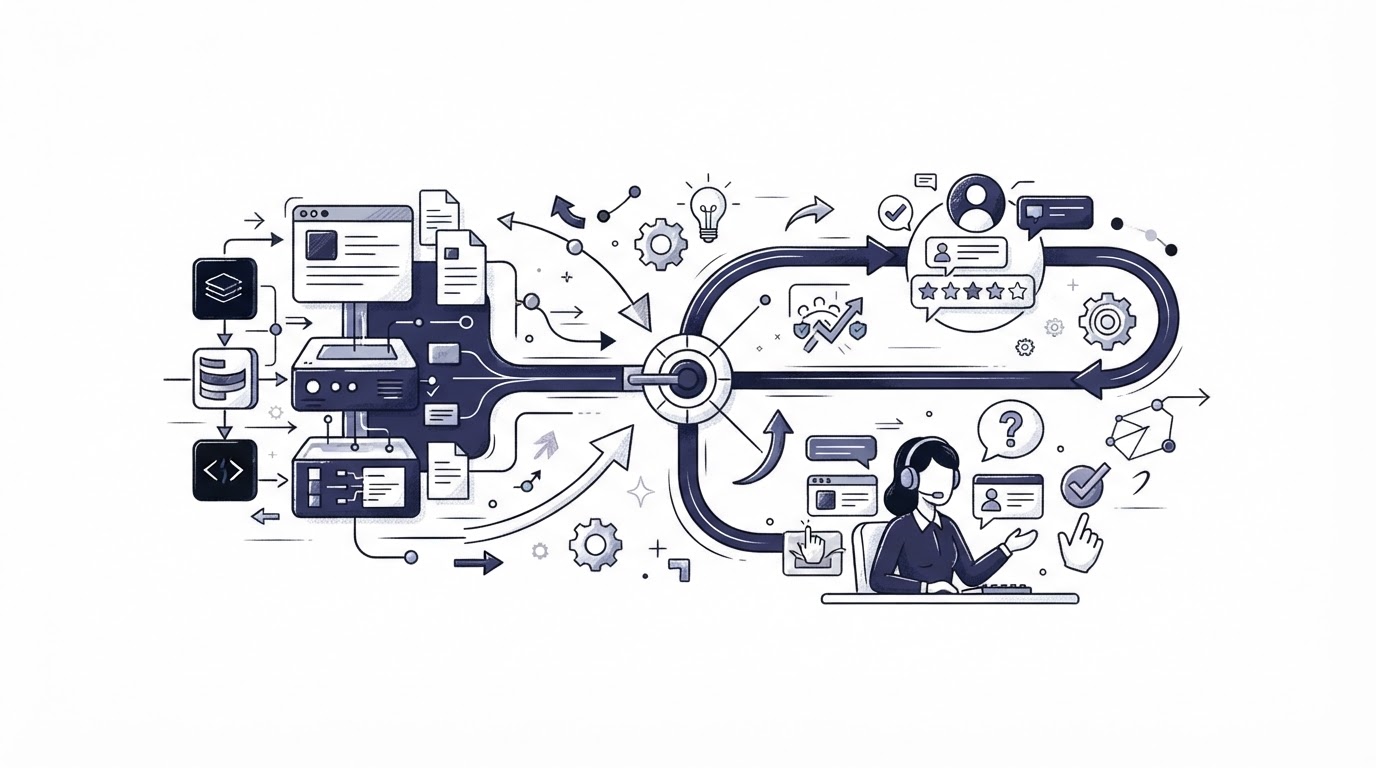
Self-service works best when it remains connected to the conversations happening around the product. Cajobo supports that workflow in one place.
First, publish organized help content in the Cajobo Knowledge Base, using the customer journey categories described above. A visitor can search or browse before contacting the team.
Next, use Cajobo Live Chat when the article cannot resolve a case. Support agents can identify whether the customer reached the wrong article, encountered an unclear step, or found a genuine product defect. Those details turn chat volume into an editorial backlog.
Then collect input through Cajobo Feedback. A short feedback prompt after an article or inside the product can expose confusing areas before they generate a large ticket volume. For example, several comments about user roles should lead to a clearer permissions article, a cross-link from invitations, or a product copy change.
Finally, route the lessons back into the knowledge base. In the project-management example, support sees that customers with a “You don't have permission” message often read the invitation guide first. The team adds a prominent link to the roles article, clarifies who can invite users, and updates the error article with the same path. The change serves future customers at the moment they need it.
For a closer view of the combined workflow, read Cajobo Customer Support Platform: Live Chat, Knowledge Base, and Feedback in One Tool. Keep identity and user context accurate as well. Cajobo's Identity documentation explains the setup for recognizing customers across support interactions.
Common knowledge base mistakes in SaaS support
A polished help center can still fail when its structure ignores real customer behavior. Watch for these problems during reviews:
- Categories mirror teams instead of customer tasks.
- One long article attempts to explain every part of a complex feature.
- Support answers exist in chat transcripts but never reach the knowledge base.
- Screenshots show an older interface or omit key settings.
- Articles end without a next step for an unresolved issue.
- Billing and permission guidance is hard to find from search or navigation.
Treat failed searches and repeated chat questions as direct research. If customers search “add teammate” and your article is titled “Manage members,” rename the title, add the familiar phrase to the opening, and create a direct link from onboarding.
How to measure whether your SaaS knowledge base is helping
Start with behavior rather than vanity counts. Track the queries customers search, articles with frequent exits, feedback comments, and support topics that repeat after an article exists.
For the hypothetical SaaS, the team could review the import section each month. If “CSV date error” remains a common chat reason after publishing an import guide, inspect the wording, the file example, and the product's error message. The article may need a clearer date-format example, while the product may need to state the accepted format at upload.
Use a simple review cadence: check new articles after two weeks, review high-traffic articles monthly, and review policy or product-change articles at release time. Keep a visible “Was this helpful?” prompt where appropriate, then assign someone to act on the responses.
FAQ about building a knowledge base for SaaS
What should a SaaS knowledge base include first?
Publish onboarding, core task guides, the most common troubleshooting answers, and account access guidance first. Pull the initial topics from onboarding emails, support conversations, product tours, and search terms. This set covers the points where customers most often pause.
How many categories should a SaaS help center have?
Begin with four to six top-level categories. Add subcategories only when a section has enough articles to make scanning difficult. A shallow structure gives customers a faster path than a dense menu with several nested layers.
Should live chat replace a knowledge base?
Use knowledge base content for repeatable questions and live chat for account-specific, complex, or urgent cases. The two channels strengthen each other when support insights lead to article improvements. See the Cajobo customer support platform overview for the connected approach.
How often should SaaS documentation be updated?
Review documentation whenever a related feature, interface, policy, or permission changes. Schedule regular checks for high-traffic and high-support-volume articles. A monthly review is a useful starting rhythm for many teams.
Can a small SaaS team build a useful help center?
Yes. Begin with the ten questions that consume the most support time, then assign an owner and review date to each article. Publish clear, narrow answers before expanding into advanced documentation. Review Cajobo pricing when you are ready to bring knowledge base, chat, and feedback into one support workflow.
A strong knowledge base for SaaS gives customers a reliable route to an answer while giving the support team a repeatable way to improve that route. Build around real customer tasks, connect articles to live support, and use feedback to keep the content useful as the product changes.