
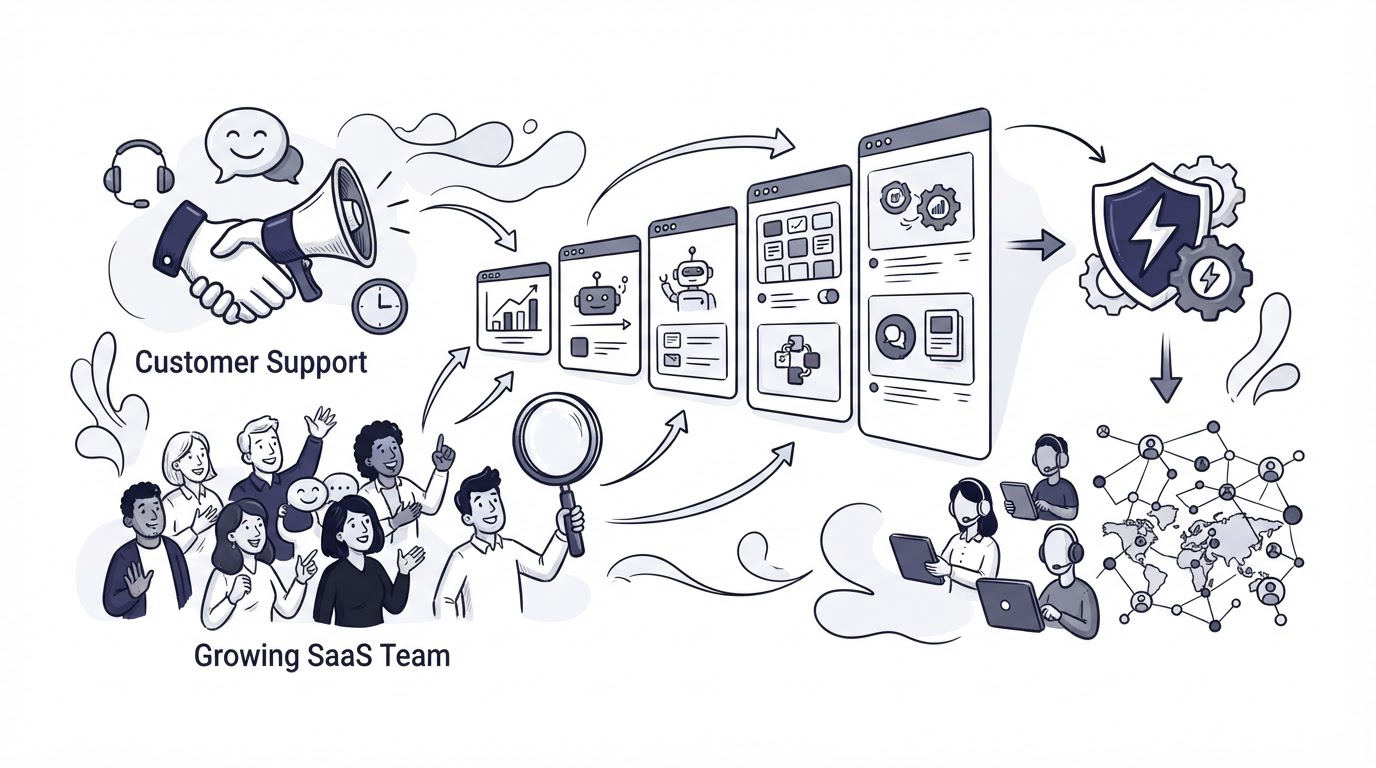
Support volume rarely arrives in a neat, predictable line. A SaaS team may handle product questions in live chat, billing requests in email, and feature requests scattered across conversations, then lose the context that would have prevented the next ticket.
The right customer support software gives your team one operating system for those moments. Cajobo brings live chat, a shared support inbox, a knowledge base, and feedback collection into a connected workflow, so support conversations can improve both customer experience and product decisions.
Quick answer: how to choose customer support software
Evaluate customer support software in this order:
- Map your current support channels, ticket types, owners, and response commitments.
- Choose live chat that gives customers useful help at the moment they are blocked.
- Require a shared inbox with clear ownership and conversation history.
- Build a knowledge base around recurring questions and key product workflows.
- Capture feedback from support interactions and connect it to product decisions.
- Test the workflow with real conversations, then measure resolution, response, and self-service results.
Start by mapping the support work your SaaS team already does
Export the last 90 days of support conversations first. Group them by channel, topic, account type, and the action required to resolve them. This produces an evidence-based requirements list before a vendor demo shapes the decision.
Consider a B2B analytics SaaS with support requests arriving through a contact email address and a chat box on /reports/export. The team sees the same three issues every week:
- Users cannot find export permissions.
- Account owners ask whether scheduled reports are available.
- Teams request a new CSV format for their finance workflow.
Each issue needs a different response. The permissions question needs an in-product answer and an article. The scheduled-report question needs a clear product answer. The CSV request belongs in a feedback process where similar requests can be grouped and evaluated.
Capture these details for each common request:
| Support signal | What to record | Software capability to evaluate | Decision it supports |
|---|---|---|---|
| Channel | Chat, email, or in-product page | Shared inbox and channel context | Where customers expect help |
| Topic | Permissions, billing, defect, feature request | Tags, search, and conversation history | Which work repeats most often |
| Urgency | Blocked workflow, question, outage | Assignment and response process | Which requests need fast attention |
| Resolution source | Agent response, article, product fix | Knowledge base and feedback capture | Where the permanent answer should live |
| Product signal | Request count and customer context | Feedback board or collection workflow | Which requests deserve review |
Avoid making a feature checklist your sole buying method. A team can buy every available channel and still have unclear ownership, stale help articles, and product feedback trapped in closed conversations.
For a broader feature comparison, see Best Customer Support Tools for Startups.
Choose customer support software with live chat for in-the-moment help
Live chat earns its place when customers need an answer while they are using the product. A visitor comparing plans may need a sales response, while an authenticated user on /settings/sso may need help completing a setup task. Those are separate jobs, and the chat experience should give the team enough context to route them well.
Evaluate these live chat details during a trial:
- Where the widget appears and whether it can be limited to relevant pages.
- What customer and page context the conversation shows to the responder.
- How the team handles messages outside staffed hours.
- Whether a responder can assign or hand off a conversation without losing context.
- How a chat can lead to a help article, a follow-up, or a feedback item.
In the analytics SaaS example, placing chat on /reports/export makes sense because customers are actively trying to finish a task. Place a concise article link in the conversation for export permissions, then ask a short follow-up if the article failed to solve the problem. That follow-up reveals whether the article needs better instructions or the product needs a clearer permissions control.
Set visible expectations for coverage. A widget that says when a reply will arrive creates a more reliable experience than an implied instant-response promise. Plan staffing and response standards before launch with this guide to live chat hours, staffing, and response standards.
Accessibility belongs in the evaluation as well. Test keyboard operation, focus behavior, contrast, and screen-reader labels in the actual widget. The W3C Web Content Accessibility Guidelines provide the baseline criteria your team can use during this review.
Read more about selecting the right chat setup in How to Choose a Live Chat Widget for a Small Business Website.
Evaluate a shared inbox for ownership and continuity
As volume grows, individual inboxes create avoidable failures. Two teammates reply to the same email. A conversation waits because everyone assumes somebody else owns it. A customer has to explain their issue again after a handoff.
A shared inbox gives the team a single place to manage incoming support conversations. During evaluation, send test messages from chat and email, assign them between teammates, leave internal context where available, and check the resulting customer experience.
For the analytics SaaS team, an export-permissions message should have one clear owner. If the first responder needs product help, the conversation should retain the original page, account context, and prior messages while another teammate takes over. That continuity shortens the investigation and avoids repetitive questions.
Look for a workflow that answers four practical questions:
- Who owns this conversation right now?
- Which customer and product area does it concern?
- Has anyone already replied or taken action?
- What should happen after the conversation closes?
A shared inbox also needs rules. Assign owners immediately, use a small and consistent tag set, and review unanswered conversations at a fixed time each day. How Shared Inbox Software Improves Customer Support Response Times explains the operating habits behind the tool.
Security review should happen before customer data enters a new system. Ask vendors about access controls, data handling, exports, retention, and incident processes. The NIST incident response guidance is a useful reference for the kind of documented process a mature provider should maintain.
Choose knowledge base software that reduces repeat questions
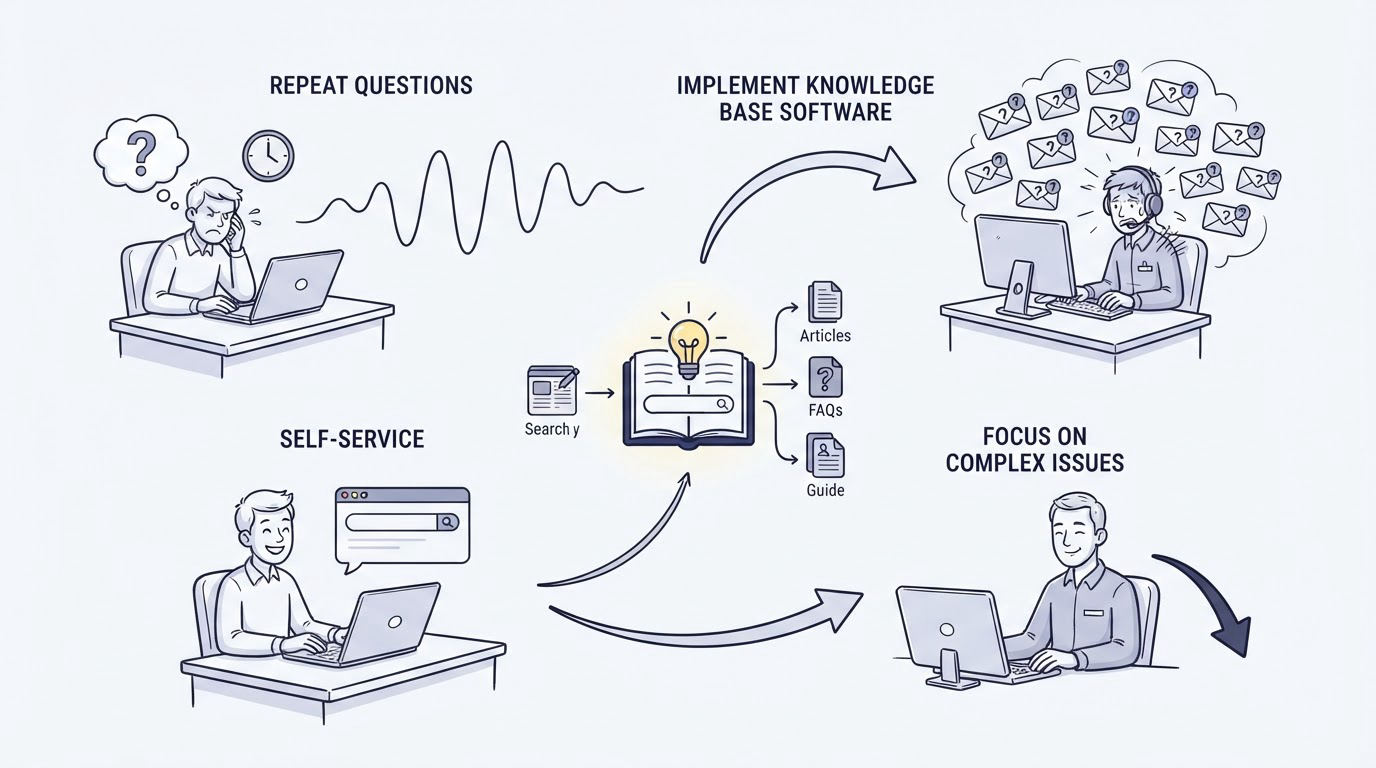
A knowledge base works best when it follows the customer journey through the product. Start with the questions your team answered repeatedly in the conversation export. Publish articles that help users complete a task, diagnose an expected result, or understand a product limit.
For the analytics SaaS example, the first article should be titled around the task: “Set export permissions for scheduled reports.” It should include the exact path, such as Settings > Workspace > Permissions, screenshots where they clarify the interface, the required role, and what a user sees after the change.
Build the initial knowledge base around these article types:
- Getting started and first-value tasks.
- Common configuration workflows.
- Troubleshooting for frequent errors.
- Billing, security, and account-management questions.
- Product limits and feature availability.
Give each article an owner and a review date. Support teams often discover that an article is outdated only after it creates another conversation. Add a lightweight review trigger after a product release, interface change, or recurring complaint.
Search quality is central. Test whether someone searching “export access,” “download permissions,” or “who can export reports” reaches the same useful article. The language customers use in chat should shape article titles, headings, and synonyms.
Use this practical guide to create a knowledge base, then connect articles to live conversations where customers need them.
Connect customer support software to feedback collection
Support conversations contain product evidence. A feature request from a high-value account, a confusing onboarding step, and repeated friction with exports all need a place beyond the inbox.
Capture feedback with enough context for a later decision: the customer problem, affected workflow, source conversation, account type, and urgency. A one-click satisfaction prompt after a resolved conversation can also show where service quality is weakening. Learn how to structure that signal in How to Measure Customer Satisfaction With One-Tap Feedback.
In the example, several customers request a new CSV format. The support team should create one feedback item called “Add finance-ready CSV export format,” attach the relevant conversation context, and group future requests with it. Product can then see the full demand pattern instead of reviewing fragmented messages.
Keep feature feedback distinct from defects and urgent support needs. A defect requires investigation and customer follow-up. A feature request requires discovery, prioritization, and a product decision. Separate processes make both workflows easier to manage.
A public roadmap can close the loop when the product team decides to explore or ship a request. How to Use a Public Product Roadmap to Turn Customer Feedback Into Better Product Decisions covers the communication side of that process.
How Cajobo supports the full customer support workflow
Growing SaaS teams often reach a point where separate chat, inbox, knowledge base, and feedback tools create extra copying and reconciliation work. Cajobo is designed around the connection between those support activities.
Start by adding Cajobo Live Chat where customers need timely help, such as product setup pages or high-intent marketing pages. Conversations enter the support workflow with the context your team needs to respond.
Next, use the shared support inbox to assign and manage those conversations. A team member resolves a simple permissions question, while a more complex issue can be handed to the right person with the conversation history intact. See How to Use a Customer Support Inbox for Live Chat and Email for a practical routing model.
Then publish the recurring answer in the Cajobo Knowledge Base. Link the article in future conversations and update it when the product interface changes. This turns one solved issue into reusable self-service help.
Finally, send product signals to Cajobo Feedback. A repeated request can be collected in one place, reviewed with its original context, and carried into your product planning process. This workflow gives support, success, and product teams a shared record of what customers are trying to achieve.
Common mistakes when choosing customer support software
The most expensive problems appear after implementation, when a system meets a demo requirement but fails the day-to-day support process.
Choosing on chat appearance alone is one common failure. A polished widget has limited value when conversations lack ownership, articles are hard to find, or product requests disappear after resolution.
Another failure is publishing a large help center before validating customer language. Begin with the highest-volume issues, inspect search terms and article feedback, then expand. Ten accurate articles tied to common tasks will serve customers better than a large library of vague documentation.
Teams also overlook staffing. Live chat needs coverage expectations, escalation rules, and a plan for off-hours messages. Set those rules in writing before placing the widget across the product.
Finally, avoid collecting feedback without a review cadence. Assign a product owner to review grouped requests on a regular schedule and communicate meaningful status changes. Customers who share detailed feedback deserve a clear outcome or an honest explanation of the current priority.
FAQ
What features should customer support software include for a SaaS company?
Prioritize live chat, a shared inbox, a searchable knowledge base, feedback collection, conversation ownership, and customer context. Your final requirements should reflect the support patterns found in your own conversation history.
When should a SaaS team add a knowledge base?
Add a knowledge base once the same setup questions, troubleshooting steps, or account-management requests appear repeatedly. Start with the top recurring tasks and maintain articles as the product changes.
Should support and product feedback use the same tool?
They should share context and a reliable handoff. Support needs to close the customer conversation, while product needs to group demand, assess the problem, and communicate decisions. A connected workflow reduces manual copying and preserves the original customer evidence.
How do we test customer support software before switching?
Run a short pilot using real support scenarios. Send chat and email messages, assign conversations between teammates, locate a knowledge base article through search, capture a feature request, and review the handoff to product. Record where the workflow slows down or loses context.
How many support tools does a growing SaaS team need?
Use the fewest tools that let your team manage conversations, self-service content, and product feedback with clear ownership. Consolidation becomes valuable when people repeatedly copy information between systems or cannot see the full customer history.
Choose customer support software by testing the entire customer journey, from a blocked user’s first message through a durable knowledge base answer or a product feedback decision. If your team needs live chat, self-service help, and feedback collection in one connected workflow, explore Cajobo and review the available options on the pricing page.