
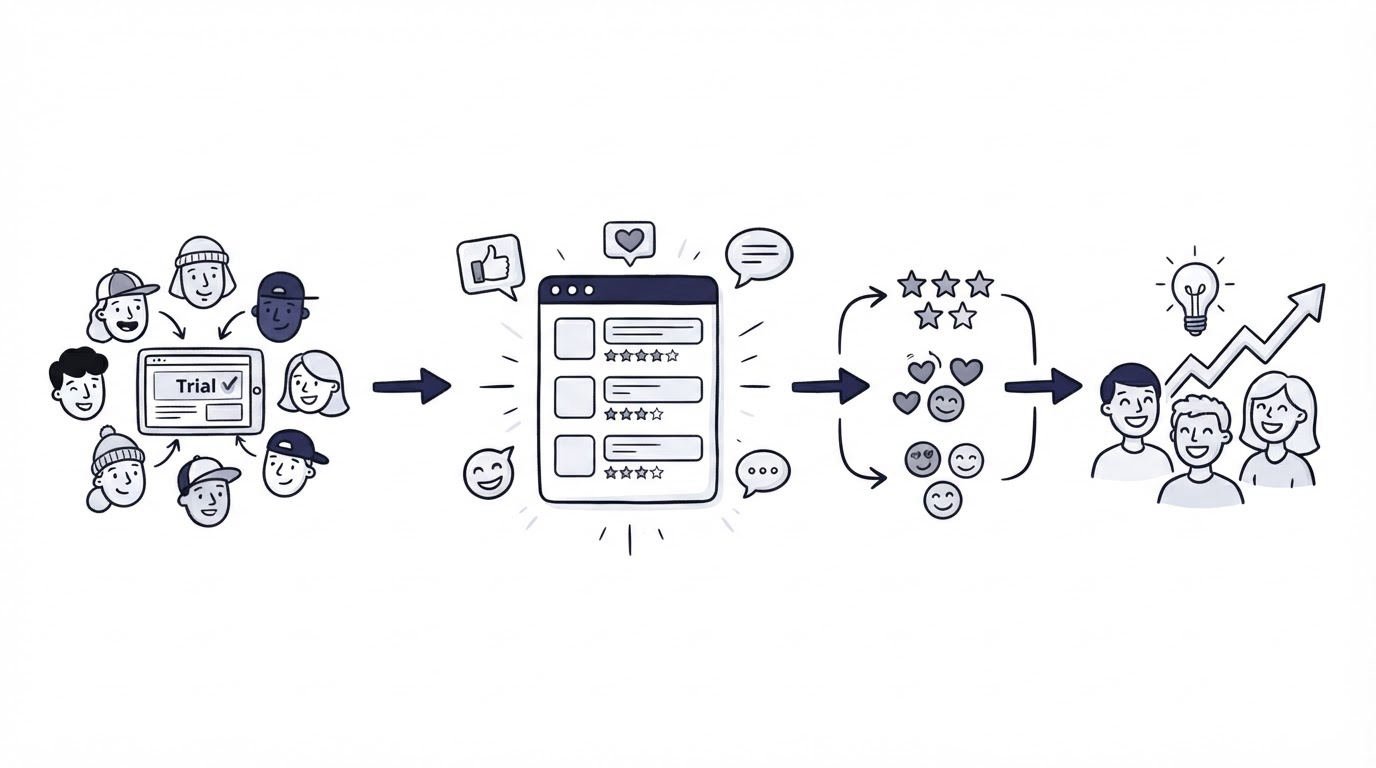
Trial feedback often arrives after the user has forgotten the confusing screen, abandoned setup, or chosen a competing workflow. A generic end-of-trial survey gathers broad opinions, yet it rarely explains where activation broke down.
A customer feedback collection tool works best when it asks a small, relevant question immediately after a meaningful product event, records the user's context, and gives the team a clear follow-up path. Cajobo can provide the feedback workspace for this process while your support, live chat, and help content reveal the surrounding customer journey.
Quick answer: how to collect feedback from trial users
Use this workflow to collect feedback from trial users without flooding them with surveys:
- Choose one or two activation events where users can describe a fresh experience.
- Ask one focused question tied to the event, then offer an optional follow-up field.
- Segment responses by trial stage, role, account setup, and product behavior.
- Route each response to a clear owner with a defined next action.
- Close the loop with the respondent when a fix, answer, or product decision is available.
Choose the right time to ask trial users for feedback
Timing determines whether you receive a useful account of a real task or a vague recollection. Trigger feedback after the user has had enough exposure to form an opinion, while the task is still fresh.
Start by mapping the trial's activation path. For a scheduling SaaS, that path may include creating a workspace, importing contacts, building the first schedule, inviting a teammate, and publishing the schedule. Each event provides a different kind of feedback.
Consider the fictional example of RoutePilot, a SaaS product that helps operations teams schedule field visits. Its 14-day trial had plenty of signups, yet the team could not tell why many accounts stopped before publishing their first schedule. RoutePilot chose three moments to listen:
| Trial moment | What the team can learn | Question to ask | Delivery method | Follow-up owner |
|---|---|---|---|---|
| After contact import | Whether source data or field mapping caused friction | “How did the import process go?” | In-app one-tap prompt | Product support |
| After first schedule is built | Whether users understand the core workflow | “What, if anything, made this schedule harder to create?” | Contextual feedback prompt | Product manager |
| Three days before trial end, for active users without a published schedule | Why progress stalled after early engagement | “What would help you publish your first schedule?” | Email or in-app message | Customer success |
The first prompt should appear after a completed action. Asking immediately after account creation catches people before they have used the product. Asking on the final trial day produces broad feedback about the entire experience and misses the screen where friction started.
Use behavior to limit prompts. A user who has already answered a setup question should not see another broad setup survey the next day. Set a response cap for each person and reserve additional outreach for major events, such as a failed import or repeated attempts at the same workflow.
Feedback collected after a support interaction deserves its own trigger. The issue has context, and the customer has just experienced the quality of your help. Read more about collecting customer feedback after a support conversation when designing that part of the process.
Write trial feedback questions that produce usable answers
A strong trial feedback question has one job. It refers to an action the user just attempted and uses language they will recognize from the screen.
For RoutePilot, “How likely are you to recommend RoutePilot?” after a contact import would reveal very little about mapping fields, duplicate records, or file formats. The team instead asks, “What made the import difficult?” only when the user has retried the import or spent an unusually long time on the mapping step.
Use a fast rating to capture a broad signal, followed by an optional text field that explains it. The rating makes patterns easier to detect across responses. The written answer supplies the evidence a product or support team needs to act.
Keep the question neutral. “How easy was it to map your contact fields?” invites a direct assessment. “How much did you love our simple import?” pushes the respondent toward a flattering answer and lowers trust.
Avoid combining separate topics in one prompt. “Was setup easy and was pricing clear?” can produce one answer with two possible causes. Ask about setup after setup. Ask about pricing after the user has visited a plan or upgrade screen.
Make the interface accessible as well. Every rating control, text area, and submit button needs a programmatic label and clear instructions. The W3C guidance on labels and instructions explains why this helps people understand what input is expected.
A useful question sequence for a high-friction event is short:
- Ask for a one-tap ease rating.
- Ask what slowed the user down when the rating is low or neutral.
- Ask permission to contact them when their explanation needs clarification.
The optional written field should be visibly optional. Forced explanations tend to create short filler responses and increase abandonment.
Segment trial feedback before you decide what to fix
A comment without customer context is difficult to prioritize. “Import is confusing” has far more value when the team can see whether the person used a CSV file, managed a large account, invited teammates, reached the activation milestone, or contacted support first.
Create a small set of segments before launching the prompts. Useful trial segments usually include role, acquisition source, account size range, trial day, activation status, and feature usage. Keep the list tied to decisions your team can make. A field nobody reviews creates clutter.
RoutePilot found that most import complaints came from operations managers uploading spreadsheets with custom field names. Small teams that entered contacts manually reported few issues. The team then reviewed the import mapping screen rather than rebuilding the entire onboarding flow. It also added a help article with examples of accepted column headers.
Connect support context to the feedback record where possible. A user who asks live chat for help, then gives a low ease score after trying again, supplies a richer signal than either record alone. A well-designed live chat workflow for SaaS teams helps support agents capture the product area, urgency, and attempted workaround consistently.
Use privacy boundaries when storing this context. Collect data that serves a defined purpose, tell users why you collect it, and set a retention approach your team can operate. For European personal data, Article 5 of the GDPR sets out principles including purpose limitation and data minimisation.
Follow up on trial feedback while the trial is still active
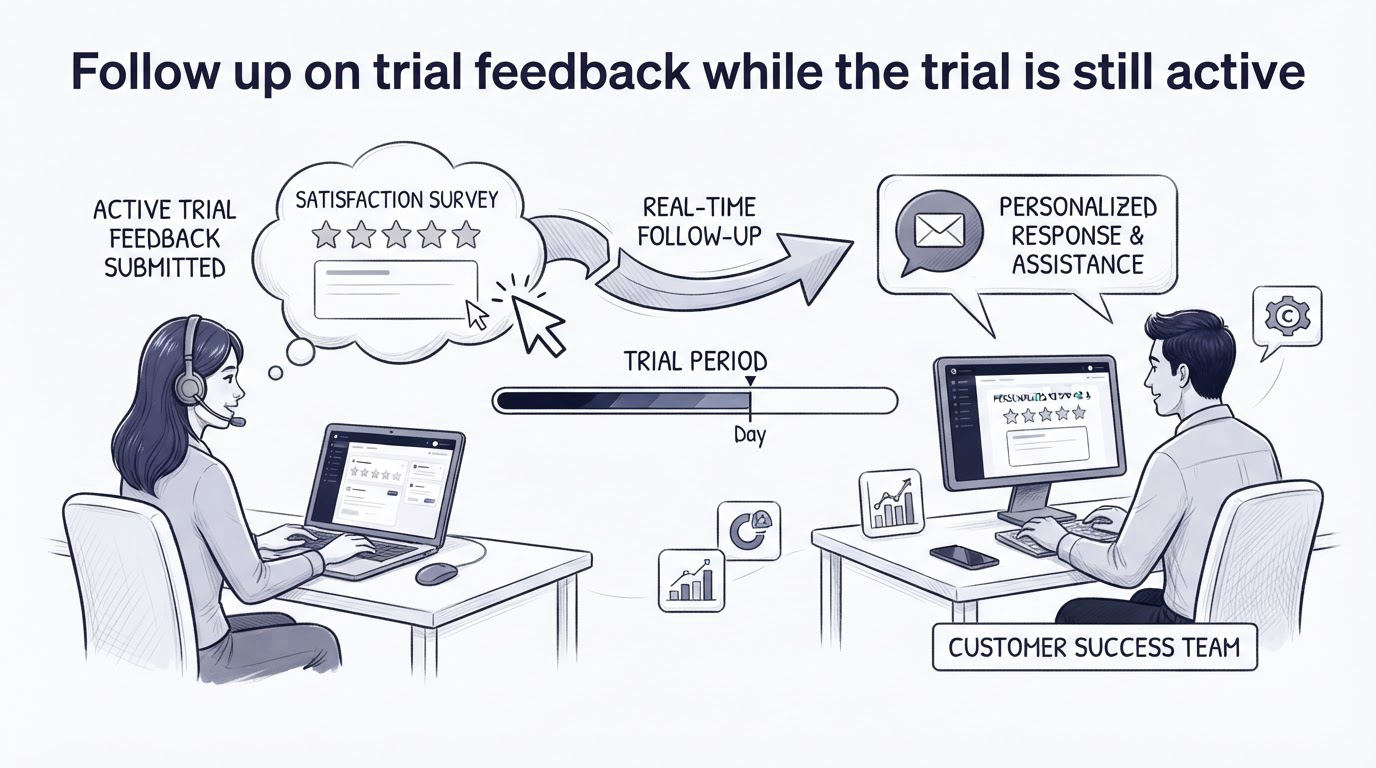
Feedback loses value when it stays in a spreadsheet or feedback board without an owner. Assign a response path based on the issue type and the customer's trial stage.
RoutePilot used three paths. A clear product defect went to engineering with the account context and reproduction details. A workflow question went to support with a link to the relevant guide. A recurring request was added to the product feedback board with related evidence grouped together.
Reply to high-intent trial users quickly, especially when they have described a blocker. Keep the message specific: acknowledge the step they were taking, answer the immediate question or offer a workaround, and ask one clarifying question only when it changes the next action.
For example, RoutePilot responded to an import complaint with: “Thanks for flagging the field-mapping step. Were your custom columns intended to map to existing contact fields, or did you need to create new fields?” That response gives the user a reason to continue the conversation and produces information the product team can use.
Close the loop later when the issue leads to a visible improvement. A public product roadmap can show customers that recurring feedback reaches product planning. See how to turn customer feedback into better product decisions with a public roadmap for a practical prioritization model.
Avoid promising a release date unless the work is committed. State the current decision instead: investigating, planned, shipped, or unable to support. Clear status builds more trust than optimistic wording that later changes.
Use a customer feedback collection tool to connect the workflow
You can run this workflow manually at low volume, although the work becomes fragmented as responses arrive through forms, support conversations, email, and product requests. A customer feedback collection tool gives the team one place to capture the signal, add context, assign ownership, and track the outcome.
Inside Cajobo, begin by creating a feedback area for trial experience. Add categories that mirror the activation journey, such as onboarding, import, first workflow, collaboration, and upgrade questions. This structure keeps feedback from being grouped under a vague “trial” label.
Next, publish the prompt where the relevant event occurs. A website feedback widget guide can help when you need feedback on a pricing page, demo page, or documentation page rather than inside the application. Keep prompts restrained on high-intent pages so they support the task instead of interrupting it.
As responses arrive, group similar issues and attach the customer context your team needs for review. Route recurring product requests into a feedback board, then use the evidence behind each request during prioritization. The workflow in this guide to prioritizing product requests shows how to avoid treating the loudest individual request as the highest priority.
For support-driven feedback, connect the response to the conversation and the help content involved. If several trial users get stuck on the same task, update the onboarding flow and the relevant documentation. Product teams should also keep those guides current as the interface changes. Use this process for keeping knowledge base articles accurate so a workaround does not become outdated guidance.
The operational benefit comes from the full loop: a user reports friction, the team sees their stage and context, the right owner acts, and the outcome is recorded. That record helps distinguish an isolated misunderstanding from a repeatable product problem.
Common mistakes when collecting feedback from trial users
The biggest failure mode is sending every trial user the same long survey near the end of the trial. You will hear from a narrow group of highly motivated respondents, while the people who silently left the product remain absent.
Another common problem is treating all low ratings as identical. A low score after a failed import needs a different response from a low score after a user cannot find a billing answer. Categorize the event first, then review the rating.
Teams also lose quality when the follow-up arrives too late. If a user reported a blocker on day three and hears back on day 13, the chance to help them reach value during the trial has largely passed.
Finally, avoid measuring response volume as the only success metric. Review whether responses identify a product area, include usable context, lead to a support resolution, or reveal a repeat pattern. Ten detailed responses from the right trial moments can guide better decisions than a large set of generic ratings.
FAQ
When should I ask trial users for feedback?
Ask after meaningful product events, such as completing an import, inviting a teammate, creating a first project, or attempting a key workflow more than once. Add a final check-in near trial end for users who engaged but have not reached the core activation milestone.
How many feedback questions should a trial survey include?
Use one primary question for an in-product prompt, plus an optional text field. A short email check-in can include two focused questions when each one maps to a different decision. Longer surveys suit scheduled research interviews with a selected group of users.
Should I offer an incentive for trial feedback?
An incentive can increase participation, especially for interviews or detailed usability studies. Keep the request separate from support escalation, explain the purpose clearly, and make participation voluntary. For lightweight contextual prompts, a fast and relevant question often produces better feedback than a broad incentive campaign.
How do I handle negative feedback from a trial user?
Respond while the reported task is still relevant. Confirm the issue in plain language, offer the best available next step, and capture the feedback under the correct product area. Escalate confirmed defects and repeated friction patterns with the user's context attached.
Can a feedback widget reduce trial conversions?
It can when it blocks a task, appears too often, or asks an unrelated question. Place it after a completed action or on a page where the user has time to reflect. Review how to measure customer satisfaction with one-tap feedback to design a low-friction prompt.
A disciplined feedback process gives trial users a way to explain their experience while there is still time to help them succeed. Set up the core feedback categories, trigger prompts around activation events, and assign follow-up owners before expanding the program. Explore Cajobo's feedback tools when you need a central workspace for that loop.