

A release ships on Friday, the team posts a dense list of tickets on Monday, and support receives the same question all week: “What changed for me?” Customers need clear answers tied to their work, while product teams need a repeatable publishing process. Cajobo helps connect the feedback, help content, and customer conversations around those updates.
Quick answer: how to use product changelog software effectively
Use product changelog software with this workflow:
- Create one release record for every customer-facing change before deployment.
- Assign each item a meaningful category, audience, and customer impact level.
- Turn technical release details into a short outcome-led update.
- Link each update to the relevant help article, migration guide, or feedback request.
- Notify only the affected audience through an in-app feed, email, or direct support follow-up.
- Review questions and feedback after release, then improve the next update.
What product changelog software needs to do
A useful changelog system gives every release a permanent home, keeps entries easy to scan, and supports targeted distribution. The publishing page is only one part of the work. The larger job is preserving context from the original customer request through to the support answer that follows release day.
Start with a release record containing the ship date, internal owner, affected plan or role, linked issue, customer-facing summary, and help documentation URL. Product managers and support leads should both be able to find this record quickly.
Choose software or a workflow that supports these practical requirements:
- A public or in-app feed with stable URLs for individual updates
- Categories, tags, and filters customers can understand
- Draft review before publication
- Links to documentation and known limitations
- Audience controls for role, plan, product area, or opted-in subscribers
- A way to collect reactions, questions, and follow-up feedback
Stable URLs become especially useful when a support agent needs to answer, “When did this behavior change?” Instead of rewriting the explanation, they can send the exact release note and the related setup guide.
Keep the release record separate from engineering deployment logs. A deployment can include many technical changes, while a customer-facing update should describe a usable outcome. One release may therefore produce a single concise changelog entry, several focused entries, or no public entry where no customer behavior changes.
How to organize release notes in product changelog software
Organize updates around customer impact rather than around the team that shipped them. Customers rarely care whether work came from infrastructure, backend, or frontend. They care whether they can complete a task faster, whether an issue has been resolved, and whether they need to take action.
Use a consistent entry structure:
Title: State the outcome in plain language. “Create approval rules for refund requests” gives customers a reason to read. “Rules engine v2” gives them an internal project label.
Opening sentence: Explain who benefits and what changed in their day-to-day work.
Details: Add the few operating details needed to use the change. Include limits, roles, or prerequisites here.
Next action: Link to a help article, invite relevant feedback, or state the effective date for a planned retirement.
A worked release-note example
Consider Northstar Scheduling, a fictional SaaS product used by clinics. Its team launches approval rules for appointment cancellations. The engineering ticket is called OPS-482 cancellation policy evaluator, and the deployment includes database work, API changes, and an admin screen.
A customer-ready entry at northstarscheduling.com/changelog/approval-rules could read:
> Set approval rules for appointment cancellations > > Clinic administrators can now require approval for cancellations made within a chosen time window. Create a rule under Settings → Scheduling → Cancellation rules, then choose the roles allowed to approve requests. Existing cancellation policies remain active until you publish your first rule. > > Read the setup guide at northstarscheduling.com/help/cancellation-rules and share feedback from the rules page.
The title describes a customer task. The paragraph identifies the intended role, tells that person where to begin, and removes a likely concern about existing policies. The technical ticket still belongs in the internal release record, where engineering and support can find it.
Write the first draft while the product manager and engineer still remember edge cases. Waiting until the end of a release cycle often produces vague wording and missing documentation.
Choose changelog categories customers can scan
Categories help readers decide which changes deserve their attention. Keep them few, stable, and tied to a clear publishing rule. A category named “Updates” adds little value because every entry already qualifies as an update.
| Category | Use it when | What the customer needs | Best delivery approach |
|---|---|---|---|
| New capability | A new workflow, setting, or product area is available | A short explanation and setup guidance | Changelog feed plus targeted announcement |
| Improvement | An existing task is faster, clearer, or more flexible | A description of the changed behavior | Changelog feed; email for high-impact changes |
| Fix | A customer-visible defect has been resolved | Confirmation, scope, and any required retry | Changelog feed and direct follow-up for reported issues |
| Action required | Customers must change settings, data, or processes | Deadline, step-by-step instructions, and support route | Targeted email, in-app notice, and changelog entry |
| Planned retirement | A feature, integration, or behavior has an end date | Migration path and dates | Repeated targeted communication plus help documentation |
Northstar Scheduling initially placed the cancellation-rule launch under “Improvements.” Clinic administrators skipped it because they assumed it described a minor interface change. “New capability” made the value clear, and a targeted message reached administrators who managed scheduling settings.
Avoid categories based on internal departments, release trains, or technology names. Customers cannot reliably use those labels to judge relevance.
How to write release notes people will read
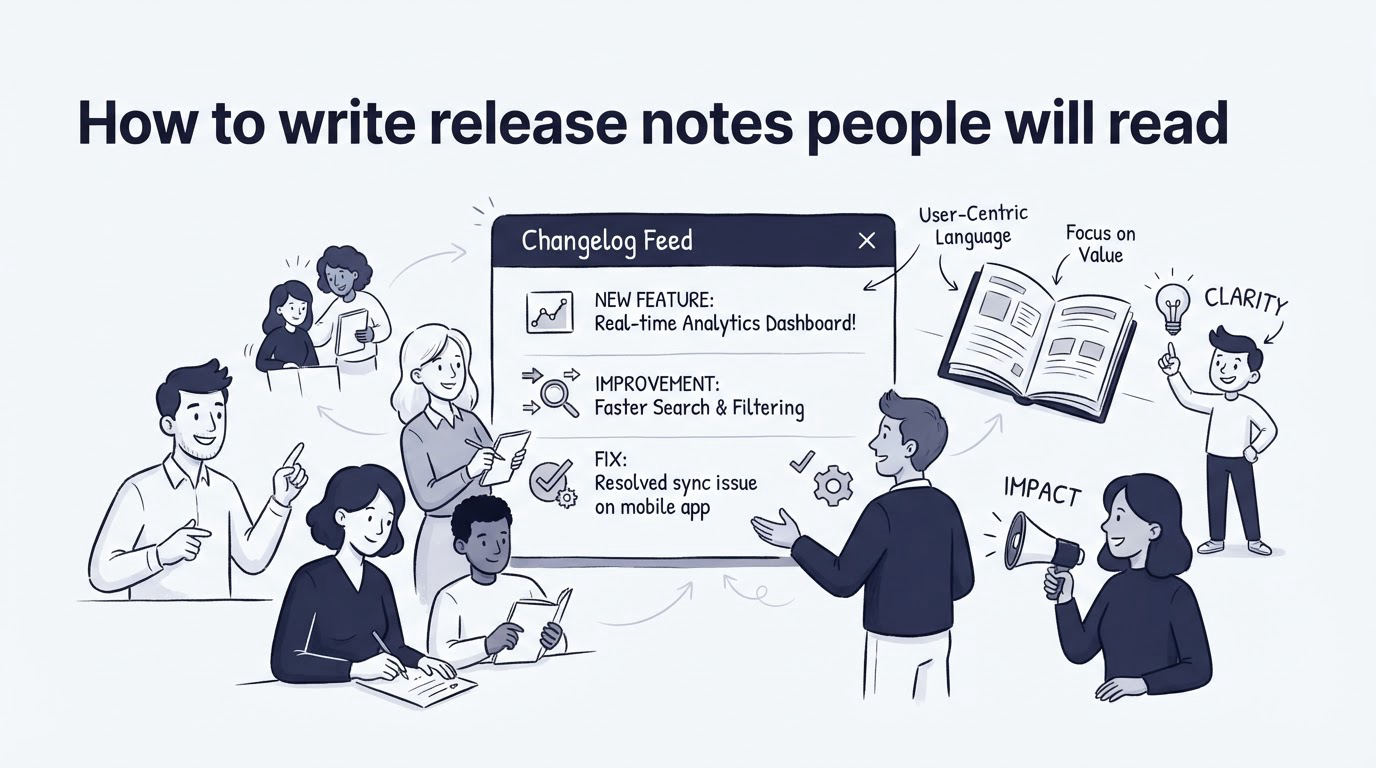
Lead with the result, then explain the mechanics. A customer reading an update list usually gives each entry a few seconds before deciding whether to open it.
Use active, specific language. “Export filtered appointment data to CSV” is easier to process than “Enhanced export functionality.” Use product terms that already appear in your interface, documentation, and support conversations.
For changes with a broad operational impact, answer these questions in the entry itself:
- Who is affected?
- What can they do now, or what will behave differently?
- When does the change take effect?
- Where can they learn the exact steps?
- Which support route should they use if their account needs help?
Keep screenshots and short clips for interactions that are difficult to describe. Give every image a caption that explains the state shown. Clear heading structure also makes long release notes easier to navigate and supports accessibility guidance such as the W3C guidance on headings.
A changelog entry also needs an editorial owner. Product can own feature accuracy, support can own customer language, and a technical reviewer can check constraints. Publish only after all three agree where the change carries operational risk.
Notify customers about product changes without overwhelming them
Treat notification as an audience decision. The changelog is the durable source of truth. Email, banners, and chat messages direct the right people toward that source when a change affects their work.
Northstar Scheduling uses three levels of communication for the cancellation-rule release. Every customer can find the entry in the changelog. Account administrators receive an email because the feature requires their configuration. Clinics that submitted cancellation-policy requests receive a personal support follow-up with a link to the guide.
This approach prevents a broad email blast to staff members who cannot access scheduling settings. It also gives interested customers a clear path to the change.
Use in-app notices for active users who need to see an immediate workflow change. Use email for actions with a deadline, account-wide impact, or a meaningful setup step. Use direct outreach when a customer reported the issue, requested the feature, or faces a migration task.
Set a notification threshold before release day. For example, reserve email for changes that require action, affect a core workflow, or resolve a widely reported problem. Publish lower-impact improvements in the changelog feed, then collect them in a periodic digest for subscribers who want a broader view.
When email is part of the plan, apply the FTC’s CAN-SPAM compliance requirements, including accurate sender information and a clear unsubscribe method. Keep transactional operational notices distinct from optional product-update subscriptions.
Use Cajobo to connect changelog updates with feedback and support
A changelog works best when it closes the loop on the conversations that led to a release. Cajobo provides the surrounding workflow through feedback collection, a knowledge base, and live chat.
Start in Cajobo Feedback by grouping requests that point to the same customer problem. For Northstar Scheduling, several requests about cancellation controls would give the product team a clear reason to prioritize approval rules. Add the eventual changelog URL to the release record so the team can trace the delivered outcome back to the request theme.
Next, publish the operating instructions in the Cajobo Knowledge Base. The changelog entry stays short because the help article carries screenshots, permissions details, and troubleshooting steps. This split keeps the update readable while still giving administrators enough guidance to configure the feature.
Then prepare the support team in Cajobo Live Chat. Give agents the release-note URL, the documentation link, and a short answer for the most likely question. For cancellation rules, that answer may cover whether existing policies remain active and which user role can publish a rule.
Finally, collect reactions after publishing. A one-tap prompt can reveal whether customers found the update useful, while conversations expose unclear language or missing setup guidance. See how this fits into a wider product process in How to Use a Public Product Roadmap to Turn Customer Feedback Into Better Product Decisions.
This connected approach gives each update a useful afterlife. The release note informs customers, the help article enables them, and support conversations show where the explanation needs work.
Common mistakes with product changelog software
Publishing a weekly wall of text is a common failure mode. Readers cannot identify the changes that affect them, and support agents struggle to reuse the entries. Split unrelated changes into separate entries when they serve different roles or product areas.
Another issue appears when the title promises more than the product delivers. “Automate cancellations” creates confusion if the release only adds an approval step. Match the wording to the actual behavior and state any remaining manual work.
Teams also lose trust when a breaking change appears only after release. Create an action-required category, publish dates early, and place migration instructions in the knowledge base. The detailed guidance in How to Create a Knowledge Base That Reduces Customer Support Tickets can help shape those articles.
Avoid treating a thumbs-up count as the only measure of success. Review support contacts, repeated questions, documentation searches, and feedback themes in the days after a substantial release. Those signals show whether customers understood the update and completed the intended action.
FAQ about product changelog software
What should a product changelog include?
Include a clear title, a customer outcome, affected users or plans, any action required, the effective date where relevant, and a link to detailed documentation. Add known limitations when they affect adoption or daily work.
How often should we publish release notes?
Publish when a customer-facing change is ready to use or when customers need advance notice. A regular digest can supplement individual updates for readers who prefer a periodic view. Urgent fixes and action-required changes deserve their own timely entry.
Should every bug fix go in a changelog?
Publish fixes that customers experienced, that alter expected behavior, or that resolve a widely reported issue. Small internal fixes can remain in engineering records. Support teams should still have access to those records when diagnosing account-specific reports.
How do we get customers to read release notes?
Write task-focused titles, apply recognizable categories, and send targeted notifications only to people likely to benefit. Link every significant change to a useful help article. A concise changelog plus strong documentation gives customers a reason to return.
Can live chat help after a release announcement?
Yes. Live chat gives customers a direct route when an update raises an account-specific question. Prepare agents with the changelog entry and related documentation first. For more detail on that support model, read Live Chat Software for SaaS Teams.
Build a changelog workflow around clear ownership, durable documentation, and targeted communication. If your team already collects requests, publishes help content, and supports customers in several places, use Cajobo to keep the feedback and support side of each product change connected.