
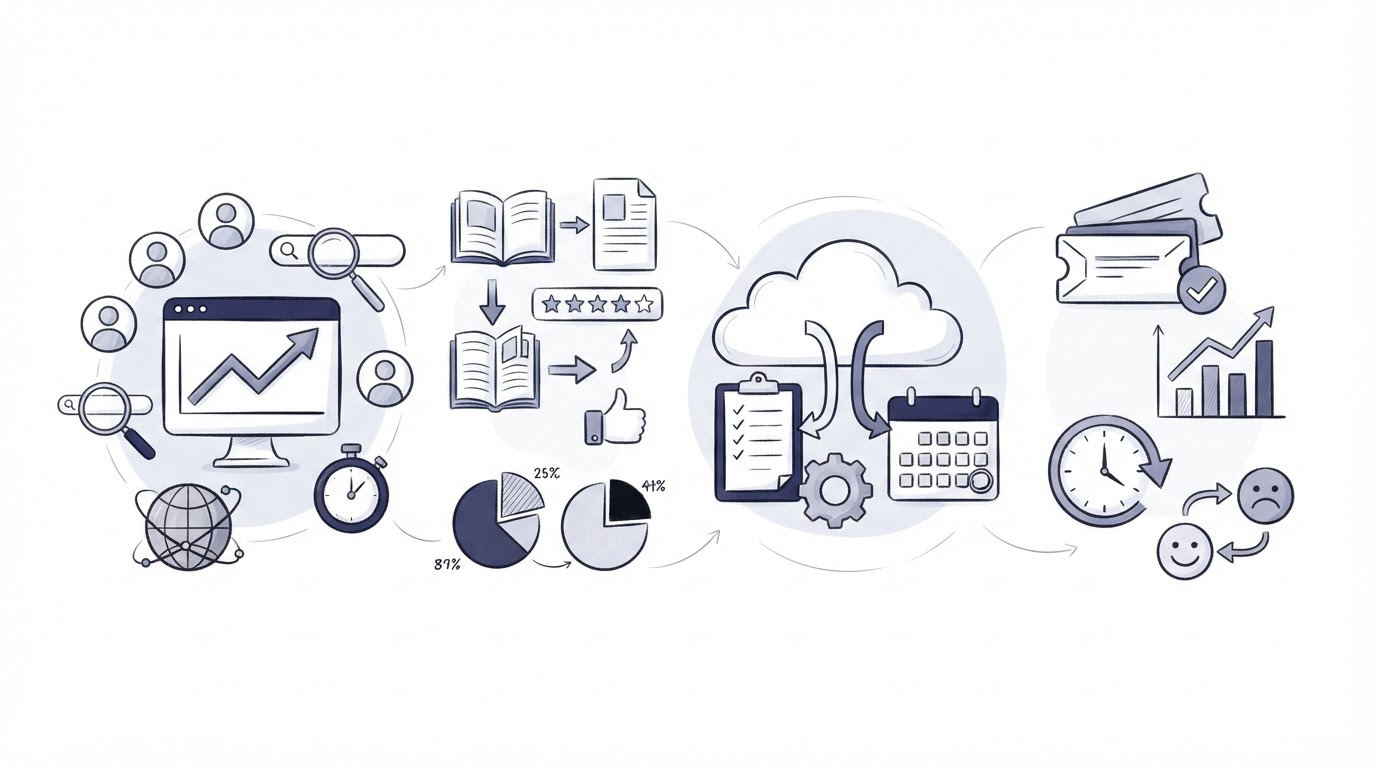
A help center can look complete while customers still search for answers that are missing, outdated, or buried under unclear labels. Those gaps often surface later as repeated chat conversations, email tickets, and frustrated feedback.
For a monthly help center software review, examine what customers searched for, whether they found and used an answer, which articles supported self-service, and where support conversations expose missing documentation. Cajobo helps teams connect their knowledge base, customer feedback, and support touchpoints so the review produces publishing decisions instead of a static dashboard.
Quick answer: the monthly help center software analytics workflow
Run this review in the same order every month:
- Export the last 30 days of help center searches, including search terms, result counts, and zero-result searches.
- Group searches into content gaps, wording problems, product issues, and known article topics.
- Review article views, helpfulness feedback, exits, and support contacts that followed an article visit.
- Compare recurring conversations from chat and your inbox with the questions already covered in the help center.
- Prioritize one set of fixes: create articles, improve existing pages, change navigation, or send a product issue to the right team.
- Assign an owner, due date, and success measure for every selected action, then review the previous month’s actions.
Start the help center analytics review with a fixed monthly export
Use one reporting window and one worksheet every month. A calendar month works well for most SaaS teams. A rolling 30-day view can help teams with uneven weekday traffic, provided everyone uses the same definition.
Pull data from your help center software first. Include on-site search terms, search result counts, article views, article reactions, and article URLs. Then add the support themes from live chat and email. Product feedback belongs in the same review because it often explains why an article attracts a negative reaction.
External acquisition data adds useful context. Google Search Console’s performance report documentation explains how to review the search queries and pages that brought visitors from Google. Use that source to separate two situations: a customer who reaches the wrong help article from Google, and a customer who arrives on a strong article but needs a deeper answer.
Keep the worksheet focused on decisions. A monthly review should answer: what question created avoidable effort for customers, what will the team change, and how will the next review show progress?
Use a shared definition for each metric
Metrics lose value when each person reads them differently. Agree on simple definitions before the first review. The table below provides a practical starting point.
| Metric | What to examine | What the signal usually indicates | Monthly action |
|---|---|---|---|
| Zero-result search rate | Searches that returned no matching result | Missing topic, unfamiliar wording, or weak search synonyms | Create an article, add terminology to a title, or improve search matching |
| Search refinement rate | Searches followed by another related search | The first results failed to answer the intent | Rewrite titles, improve introductions, or add a focused section |
| Article helpfulness rate | Positive and negative article reactions | Whether readers consider the page useful at the moment of need | Inspect negative comments and update the page or linked workflow |
| Support contact after article visit | Conversations tied to a recently viewed article | The article lacks a step, context, or an escalation path | Add missing steps, screenshots, prerequisites, or clear contact guidance |
| Repeat question volume | Similar themes in chat and email | A self-service opportunity with proven demand | Build or expand the article and link it in relevant support replies |
| Organic help article queries | Search queries and landing pages from Google | Language customers use before reaching your product | Align headings and article titles with customer wording |
Find content gaps through unsuccessful help center searches
Zero-result searches deserve a review every month. They offer direct evidence of the vocabulary customers use when they expect an answer. A zero-result search can point to a missing article, but it can also reveal a naming mismatch.
Consider a fictional accounting SaaS called Northstar Ledger. Its support team sees searches for “change invoice sender email.” The help center already has /help/company-profile, where the setting appears in a broad setup guide under “Organization details.” Searchers receive weak results because their wording never appears in the title, opening text, or section heading.
The first impulse may be to publish a new article. Review the existing page before adding another URL. In this case, Northstar Ledger can rename the relevant section to “Change the invoice sender email,” add a direct link near the top of the article, and include the same phrase in search metadata if the platform supports it. The next monthly review should show whether the search leads to fewer refinements and fewer conversations about invoice emails.
Create a separate article when the answer needs a multi-step workflow, carries risk, or applies to a distinct role. For example, “Change invoice sender email” could deserve its own page if it affects deliverability, requires domain verification, or has permissions implications.
Group unsuccessful searches by intent before prioritizing them. “Sender email,” “invoice from address,” and “billing email shown to clients” likely belong to one issue. This grouping prevents a backlog filled with near-duplicate article ideas.
Clear structure improves findability before a customer ever uses search. Use this guide to structure a SaaS knowledge base when category design and article hierarchy are creating the problem.
Measure article performance beyond page views
Article views show demand. They do not show whether the reader solved the problem. Review each high-traffic article alongside signals of usefulness and downstream support effort.
Start with helpfulness reactions and written feedback. A low rating on an article about a current workflow can indicate stale instructions, an omitted permission requirement, or a product interface change. Read comments verbatim before changing content. A complaint such as “This button is missing” has a different fix from “I still cannot connect my account.”
Then inspect the article’s path. An article that sends readers to a related troubleshooting page may be doing its job. An article that sends readers into repeated searches or a support conversation needs closer attention. If your analytics implementation tracks events, Google Analytics documentation on recommended events can help your team define consistent interactions for article feedback, search use, and support handoffs.
Return to the Northstar Ledger example. After the invoice email section is renamed, readers find the guide more easily. Yet support messages continue because customers change the address and then expect the update to affect invoices already sent. The article needs an explicit expectation: the change applies to future invoices, plus a link to the workflow for correcting a sent invoice. Analytics identified the entry point; conversation themes identified the missing outcome.
Build accuracy checks into the review. Release notes, UI changes, and revised permissions can invalidate help content quickly. This process for keeping knowledge base articles accurate as your product changes gives owners a practical maintenance routine.
Use support conversations to identify self-service opportunities
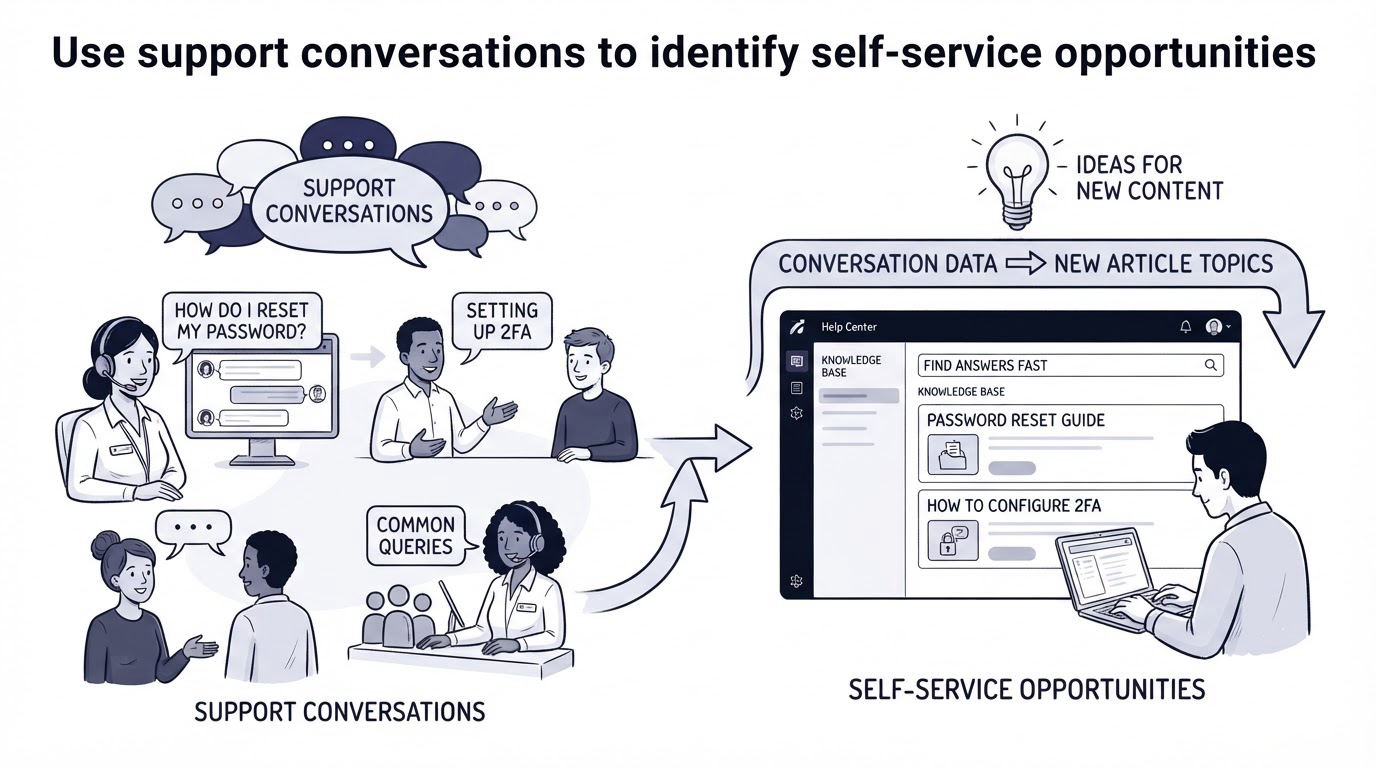
Your support inbox and live chat history are a source of content priorities. Tag conversations by customer intent during the month, then bring the recurring themes into the analytics review. Use a lightweight set of tags that match how customers speak: billing, account access, imports, integrations, permissions, and reporting.
A recurring question becomes a self-service candidate when the answer is stable, broadly applicable, and safe to complete without agent involvement. Account recovery, for example, may require careful identity checks. A general explanation of password reset timing can still reduce repeat contacts while protecting the account workflow.
Look for these patterns in conversations:
- Agents repeatedly paste the same answer or help link.
- Customers ask a basic follow-up after reading an article.
- A workflow requires a short video, image, or troubleshooting branch that the current page lacks.
- Trial users ask product-fit questions that belong on an onboarding or comparison page.
- Several different questions trace back to one unclear product term.
Northstar Ledger finds that support agents often explain why invoice changes affect future documents only. The team updates the sender-email article, adds a related article for sent invoices, and gives agents the new link as a saved reply. The review next month can compare the theme’s conversation count with prior periods and inspect feedback on both pages.
For a broader operating model, read Cajobo’s guide to building a self-service customer support strategy for SaaS. It covers the ownership and escalation choices that turn individual articles into a support system.
How Cajobo supports the monthly help center software review
A useful review joins evidence from the places where customers seek help. That is the practical advantage of using connected support tools instead of treating the knowledge base as an isolated publishing project.
Begin in Cajobo Knowledge Base and review the pages that need work. Update titles, steps, category placement, and related links based on the search and article signals from your worksheet. Publish a focused answer where a repeatable question needs its own home.
Next, use Cajobo Feedback to capture the product friction behind negative article reactions or recurring requests. In the Northstar Ledger scenario, “future invoices only” may prompt a feature request for bulk invoice correction. Keep that product request separate from the documentation update, while linking both to the same customer problem.
Then check Cajobo Live Chat and the shared support workflow for the conversations that persist after an article update. Give agents the revised article URL, collect their observations, and watch for a new question hidden inside the old theme. This sequence keeps content improvements, customer feedback, and human support aligned.
The review also creates a clear handoff to product communication. When a release changes a workflow, update the article and publish a customer-facing explanation through your changelog process. Customers need the current instructions at the exact point they search for help.
Turn analytics findings into a monthly action list
End every meeting with a short, owned action list. Assign each item to content, support, product, or engineering. Avoid vague actions such as “improve search.” Write the specific change and the signal you expect to move.
For example, Northstar Ledger’s action could read: “Content owner: revise /help/company-profile by Friday. Add a sender-email heading, clarify the future-invoice rule, and link the sent-invoice correction guide. Review search refinements and related support themes next month.”
Use three priority levels. High priority covers problems that block customers, create frequent support demand, or carry compliance and billing consequences. Medium priority covers common friction with a viable workaround. Low priority captures terminology, polish, and niche requests until more evidence appears.
Archive completed actions alongside the next month’s metrics. This gives the team a record of which changes reduced customer effort and which topics require a deeper product or support process fix.
Common mistakes in a help center analytics review
Teams often overvalue traffic because it is easy to read. A heavily viewed article may be successful, especially when it prevents conversations. Review it alongside feedback and support outcomes before assigning it a problem label.
Another mistake is creating an article for every search phrase. Consolidate synonyms and inspect existing content first. Too many narrow pages can make browsing harder and create conflicting instructions.
Teams also lose momentum when the meeting produces observations with no owner. Every selected finding needs one next action, one responsible person, and one date for review.
Finally, keep customer language intact. Internal product terms often differ from the phrases customers enter into search boxes and chat. Use the customer phrase in headings where it accurately describes the task, then explain the official product term inside the article.
FAQ
How often should I review help center analytics?
Review core metrics monthly. Check urgent changes sooner after a major release, billing workflow update, outage, or increase in a recurring support theme. A monthly cadence gives enough time for patterns to appear while keeping article fixes timely.
What is a good zero-result search rate for a help center?
The useful benchmark is your own trend by topic. Start by recording the rate consistently, then investigate the searches behind it. A small number of searches around account access can deserve urgent attention because the customer impact is high.
Should we create an article for every failed search?
Create pages for stable, repeatable questions with a clear self-service answer. Improve an existing page when the search term describes a section already covered. Route bugs, billing exceptions, and account-specific cases into the appropriate support or product workflow.
How can a small SaaS team use help center analytics without a dedicated analyst?
Use a simple monthly spreadsheet with search terms, article feedback, recurring conversation tags, actions, owners, and review dates. One support lead can prepare the inputs in advance, and a 30-minute cross-functional review can set the month’s content priorities.
Which articles should we update first?
Start with pages tied to failed searches, negative feedback, repeated agent explanations, or high-risk workflows such as billing and access. Then work through high-demand articles with unclear instructions. This order reduces customer effort and support load fastest.
A monthly help center software analytics review works when each finding becomes a visible change. Set the cadence, keep the signals connected, and publish the answer customers were already trying to find.